

Apple Home
Example commands
"Hey Siri, turn on the living room lights""Hey Siri, set my panels to 50%""Hey Siri, make my lights blue""Hey Siri, turn off all the lights"
Apple, Siri, and HomeKit are trademarks of Apple, Inc.

For the Apple Lovers
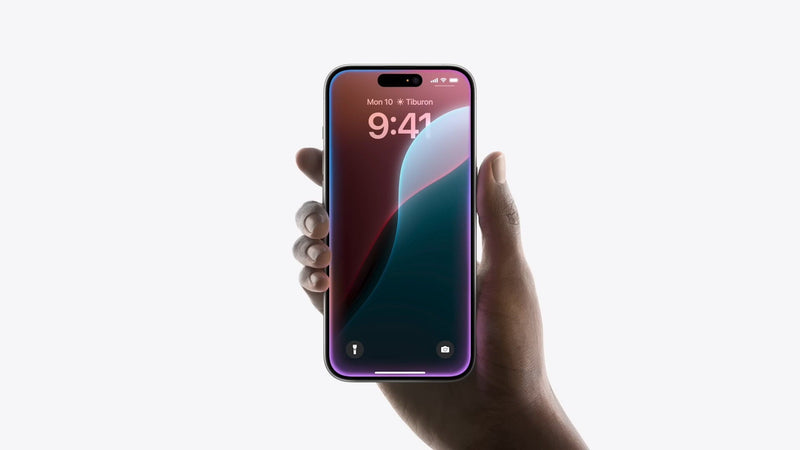
Bring your smart home together with Apple Home. Control compatible Nanoleaf lights alongside your other Apple Home devices, create automations, and use Siri for effortless voice control across your Apple ecosystem.
Siri-ously Smart Control
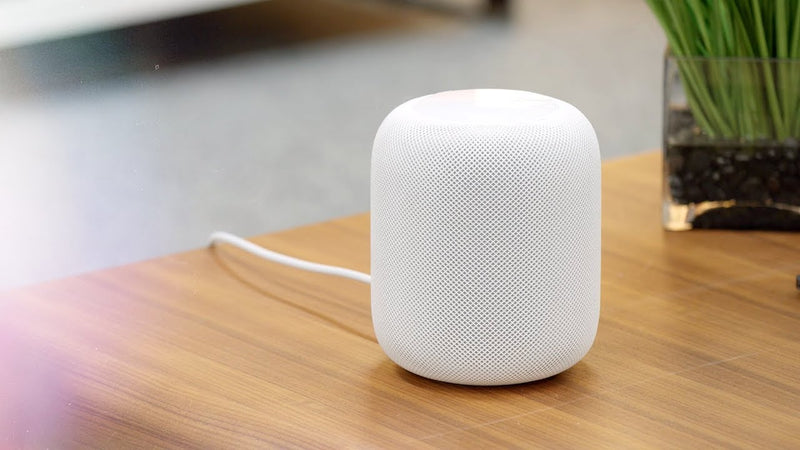
Control with Siri! Use natural voice commands to control your compatible Nanoleaf smart lights.
Popular Siri Commands
- Hey Siri, Turn the living room lights on.
- Hey Siri, Dim the lights to 50%.
- Hey Siri, Set Movie Night.
- Hey Siri, Change the bedroom lights to blue.
Adaptive Lighting
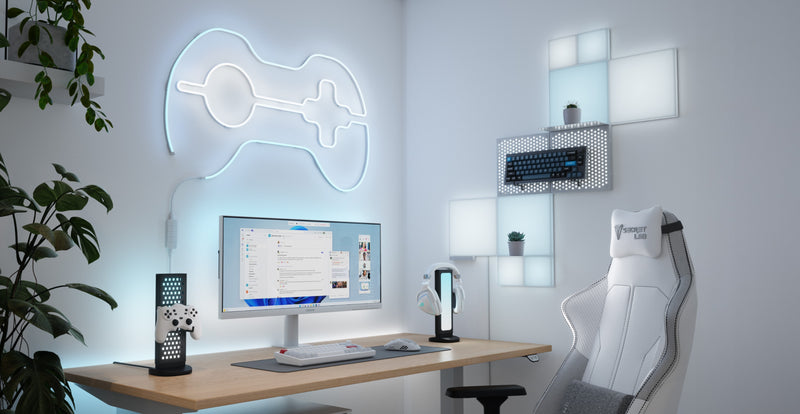
On supported Nanoleaf products, Adaptive Lighting automatically adjusts white color temperature throughout the day to match your daily routine. Compatible Matter, Thread, and legacy Apple HomeKit devices transition from cool daylight tones in the morning to warm amber lighting in the evening for comfortable everyday illumination.
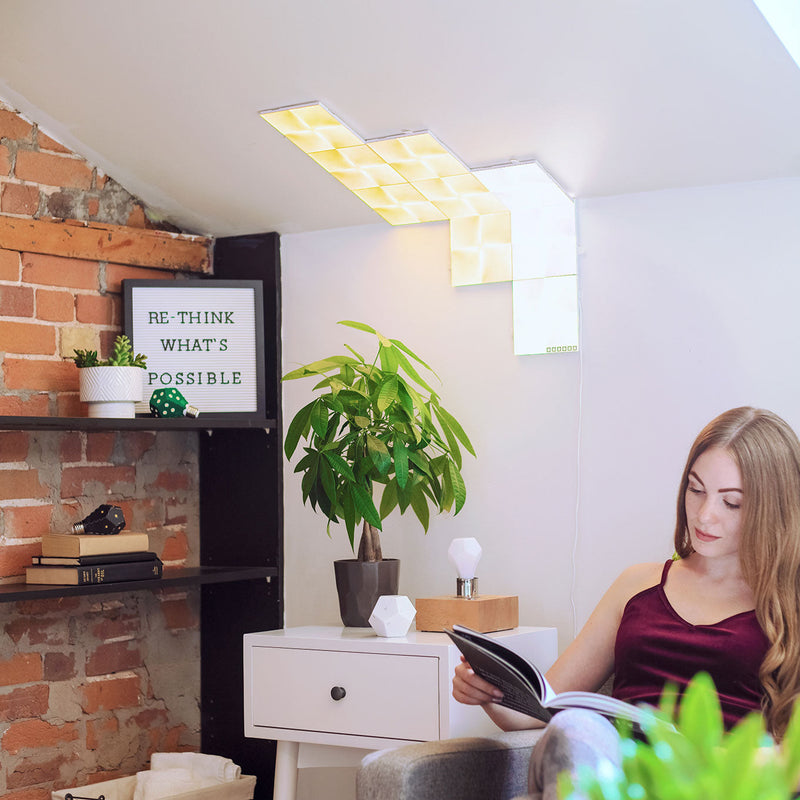
Personalized Scenes
Create custom Apple Home Scenes that combine your Nanoleaf lights with other compatible smart home devices. Set the perfect lighting for reading, movie nights, or bedtime, then activate everything with a single tap or Siri voice command.
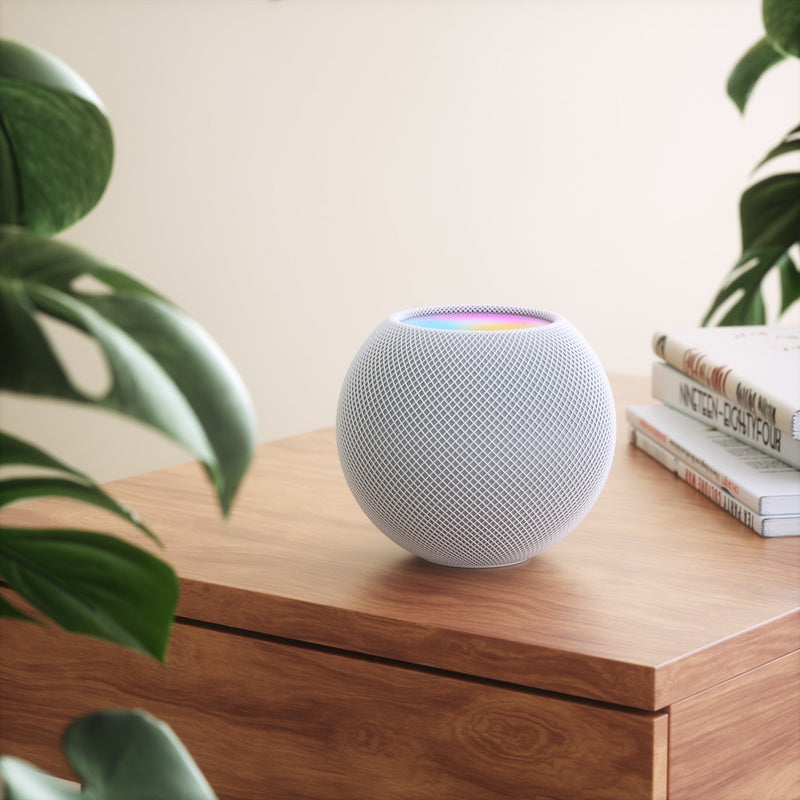
Intelligent Home Automations
Go beyond simple lighting control with powerful Apple Home automations. Schedule your Nanoleaf lights to turn on at sunset, wake you with a gentle sunrise effect, switch off when everyone leaves home, or respond automatically to compatible sensors and devices. Apple Home helps your lighting adapt to your daily routine without lifting a finger.
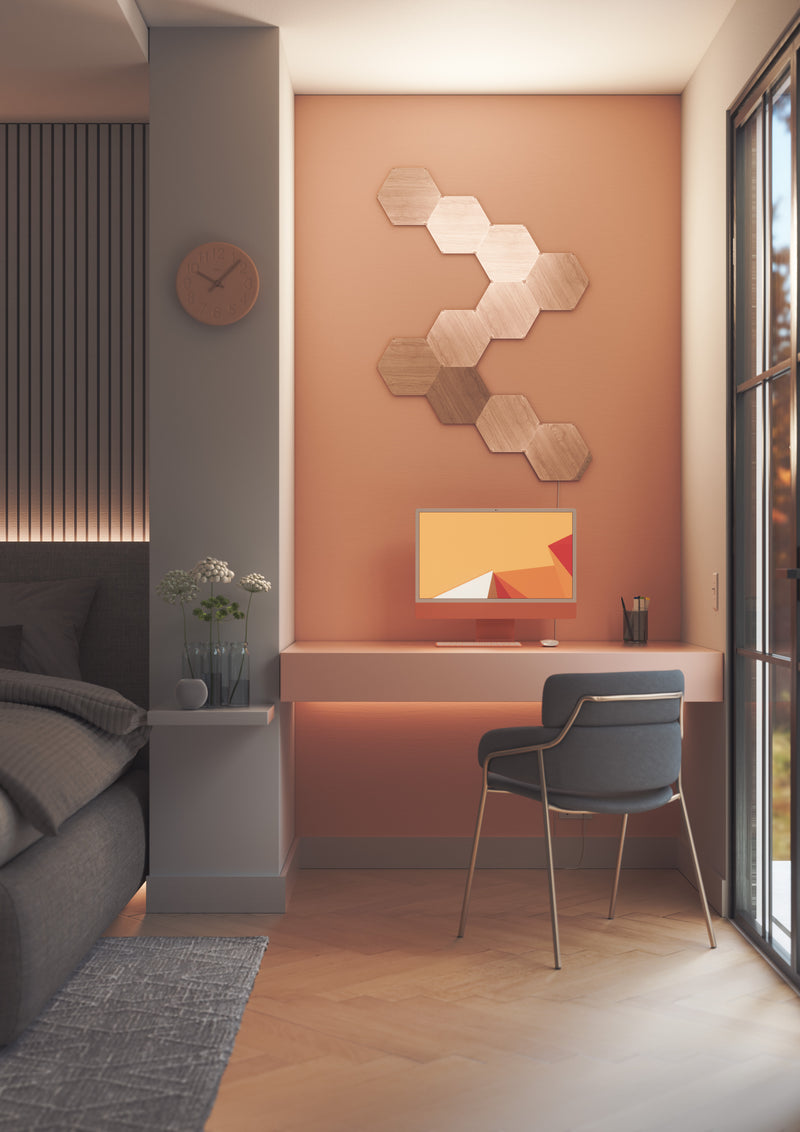
No Nanoleaf Hub Required
Compatible Nanoleaf products pair directly with Apple Home—no proprietary Nanoleaf hub or bridge required. Matter-enabled products require a compatible Matter controller and Thread Border Router, such as a HomePod mini, HomePod (2nd generation), Apple TV 4K (2nd generation or later), or select Nanoleaf products with Thread Border Router functionality.1
1. Thread Border Router functionality is available on select Nanoleaf products, such as Blocks, Shapes, Lines, and Elements. Requires the latest firmware. Availability may vary by product.
Compatible Products
Works with these Nanoleaf products
 Sold Out
Nanoleaf 4D Screen Mirror
540
$0.00
Sold OutNanoleaf Blocks
179
$0.00
Sold OutNanoleaf Ceiling Light
$0.00
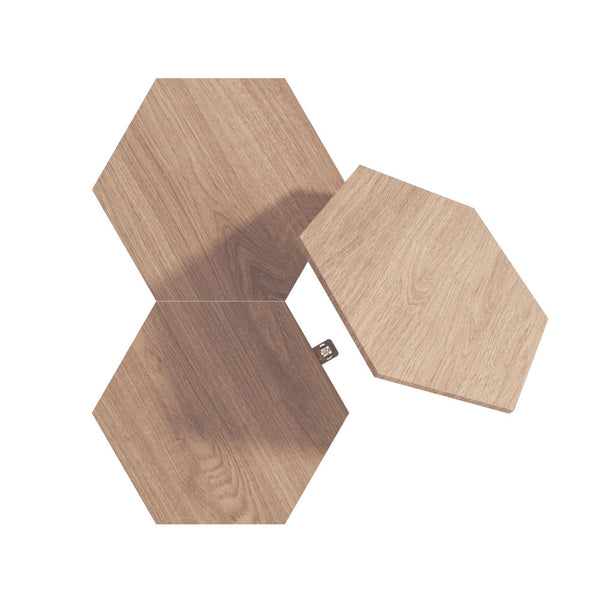
Sold OutNanoleaf Elements
4617
$0.00
 Sold Out
Nanoleaf Elements Expansion Packs
$0.00
Sold OutNanoleaf Elements Starter Kits
$0.00
 Sold Out
Nanoleaf Holiday String Lights
308
$0.00
Sold OutNanoleaf LED Display Case
32
$0.00
 Sold Out
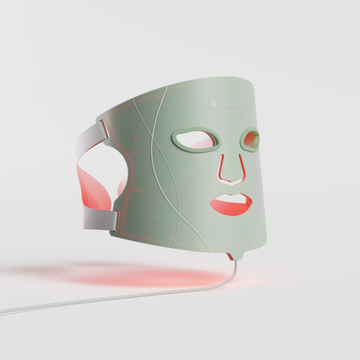
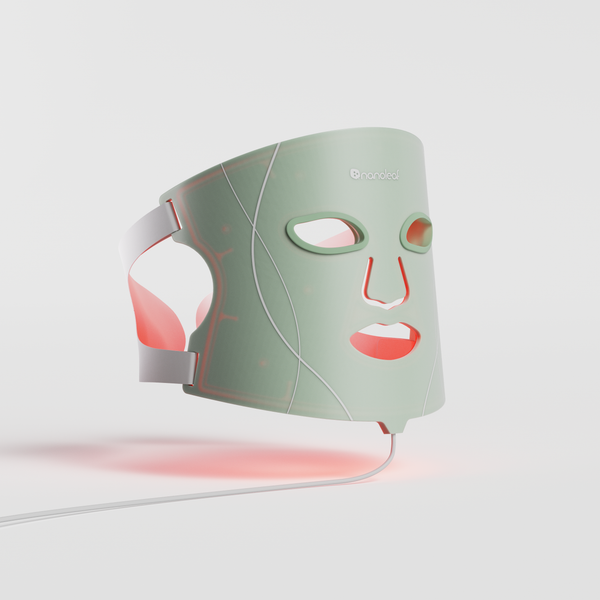
Nanoleaf Light Therapy Face Mask
353
$0.00
 Sold Out
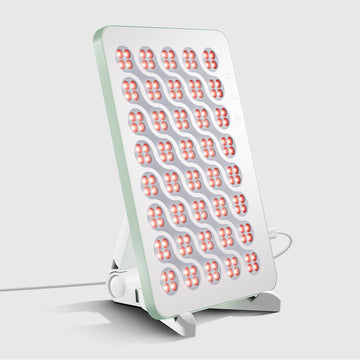
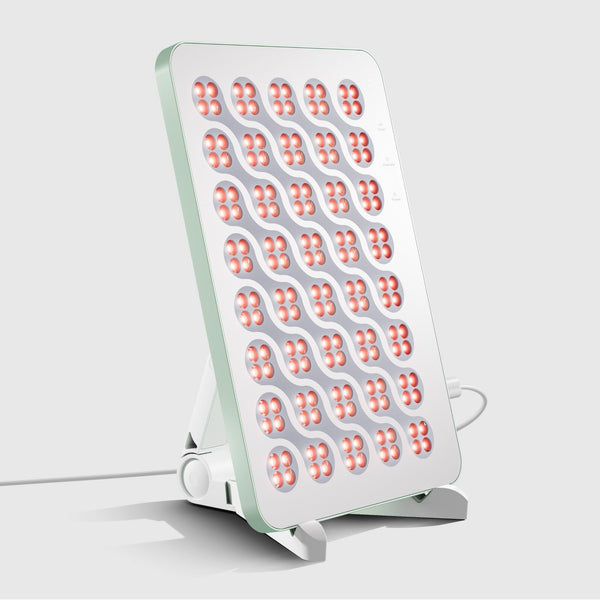
Nanoleaf Light Therapy Panel
353
$0.00
 Sold Out
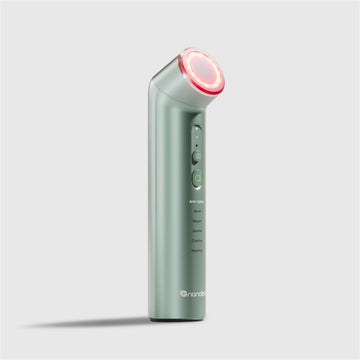
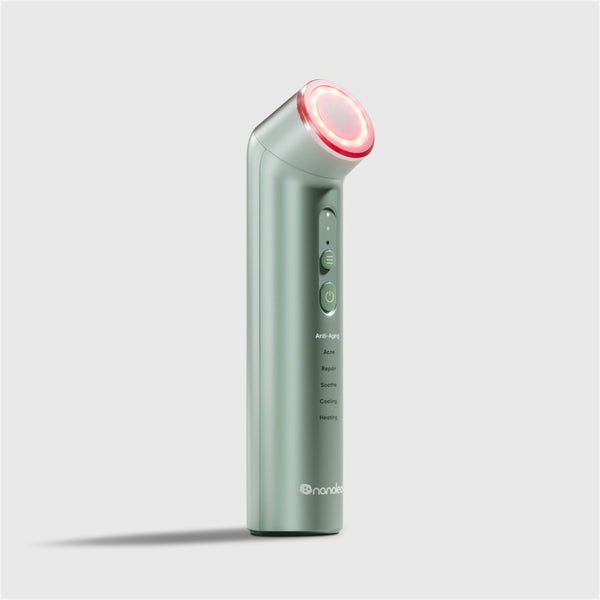
Nanoleaf Light Therapy Wand
353
$0.00
Sold OutNanoleaf Lines
884
$0.00
Frequently Asked Questions
What is Apple Home?
Apple Home is Apple's smart home platform that lets you control compatible smart home devices—including Nanoleaf smart lights—from a single app on your iPhone, iPad, Apple Watch, Mac, HomePod, or Apple TV. Use Siri voice commands, create automations, and manage your entire smart home in one place.
Do Nanoleaf smart lights work with Apple Home?
Yes. Many Nanoleaf smart lighting products are compatible with Apple Home, allowing you to control your lights with Siri, create automations, organize devices by room, and manage lighting through the Apple Home app.
Do I need a Nanoleaf hub?
No. Nanoleaf products connect directly to Apple Home without requiring a proprietary Nanoleaf hub or bridge. However, Matter-enabled products require a compatible Matter controller and Thread Border Router, such as a HomePod mini, HomePod (2nd generation), Apple TV 4K (2nd generation or later), or another compatible Thread Border Router.
Should I set up my Nanoleaf product in the Nanoleaf App first?
Yes. For the best experience, we recommend pairing your Nanoleaf product with the Nanoleaf App first to install the latest firmware and configure product-specific settings before connecting it to Apple Home.
Can I control my Nanoleaf lights with Siri?
Yes. Once your lights are connected to Apple Home, you can use Siri to turn lights on or off, adjust brightness, change colors, activate Scenes, and control individual rooms or your entire home using natural voice commands.
Do I need a HomePod or Apple TV?
A HomePod, HomePod mini, or compatible Apple TV is recommended for remote access, home automations, and as a Matter controller and Thread Border Router for Matter-enabled devices. Basic Apple Home setup can be completed using a compatible iPhone or iPad.
What is Adaptive Lighting?
Adaptive Lighting automatically adjusts the white color temperature of compatible Nanoleaf Matter, Thread, and legacy Apple HomeKit products throughout the day, providing cooler whites during the day and warmer tones in the evening for a more natural lighting experience.
Can I control my Nanoleaf lights when I'm away from home?
Yes. Configure a compatible HomePod or Apple TV as your Apple Home hub to securely control your Nanoleaf lights remotely and keep automations running while you're away.
Can multiple people control the same Nanoleaf lights?
Yes. Apple Home supports Home Sharing, allowing family members or invited users to securely control compatible Nanoleaf devices from their own Apple devices.
Do I still need the Nanoleaf App after connecting to Apple Home?
Apple Home provides everyday smart lighting control, while the Nanoleaf App unlocks additional product-specific features on compatible devices, including firmware updates, advanced lighting effects, custom Scenes, music synchronization, and other Nanoleaf-exclusive settings.
Still have questions? Get in touch with our team