


Screen Mirror

Nanoleaf Desktop App
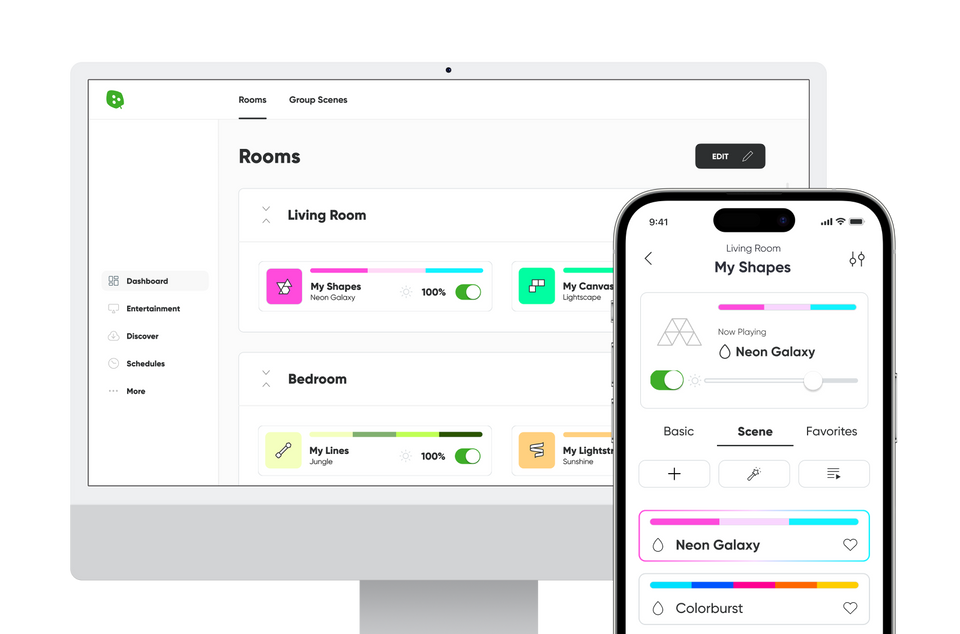
With the Nanoleaf Desktop App, you can control all your Nanoleaf lights* from your computer. Create and download new Scenes, set Schedules and use your other favorite features right from your computer.
For your security, only download the official Nanoleaf Desktop App from Nanoleaf's official website or verified app store listings. Downloads from unofficial sources may be outdated, modified, or unsupported.

Control Your Lights From Your Desktop
The Desktop App was designed to simplify the management of larger installations and offer control of many different layouts at once. Requires Windows 10 or later, or macOS 12 or later.
Not sure which Mac version you need?
- Open the Apple menu and select About This Mac.
Check your processor:
- Apple Silicon (M1, M2, M3, or later) → Download Mac (Apple Silicon).
- Intel processor → Download Mac (Intel
*Some Essentials require a Thread Border Router to work with the Desktop App.
Razer Chroma Connect Integration
Feel Like You’re in the Game

Nanoleaf Premium
Get unlimited access to all of the Nanoleaf Desktop App features for the most advanced effects with lighting, including immersive multi-sensory audio-visual experiences.


Orchestrator
An advanced intelligent music visualizer for your lights that uses direct audio capture (eg. Spotify, Apple Music, Youtube) to create customized light shows tailored to YOUR specific music.
Real-time song detection and analysis algorithms help to automatically curate complementary color palettes and animated motions that move to the beat of every song.

Scenescapes
Scenescapes pairs true to life palettes and animations with curated ambient soundtracks to recreate immersive multi-sensory experiences like a calming waterfall, crackling fireplace, cozy coffee shop, and more—all through the use of light and sound.
Use Scenescapes for a moment of meditative calm to help alleviate daily stress, or to set the perfect background ambience for working, reading, or relaxing.
Frequently Asked Questions
What is the Nanoleaf Desktop App?
The Nanoleaf Desktop App lets you control compatible Nanoleaf lights from your Windows or macOS computer while unlocking Screen Mirror, desktop gaming integrations, advanced device management, and exclusive desktop features.
What can I do with the Nanoleaf Desktop App?
Discover new Scenes, create playlists, manage multiple devices, use Screen Mirror, access gaming integrations, and unlock Premium desktop experiences like Orchestrator and Scenescapes.
Which operating systems are supported?
The Nanoleaf Desktop App is available for Windows and macOS. Download the version that matches your operating system and processor.
Do I need the Nanoleaf Desktop App?
No. Your Nanoleaf products can be controlled using the Nanoleaf Mobile App. The Desktop App adds desktop-exclusive features including Screen Mirror, gaming integrations, and advanced desktop controls.
What is Screen Mirror?
Screen Mirror extends the colors displayed on your computer monitor to compatible Nanoleaf lights, creating immersive lighting that matches your games, movies, and desktop content in real time.
What gaming integrations are supported?
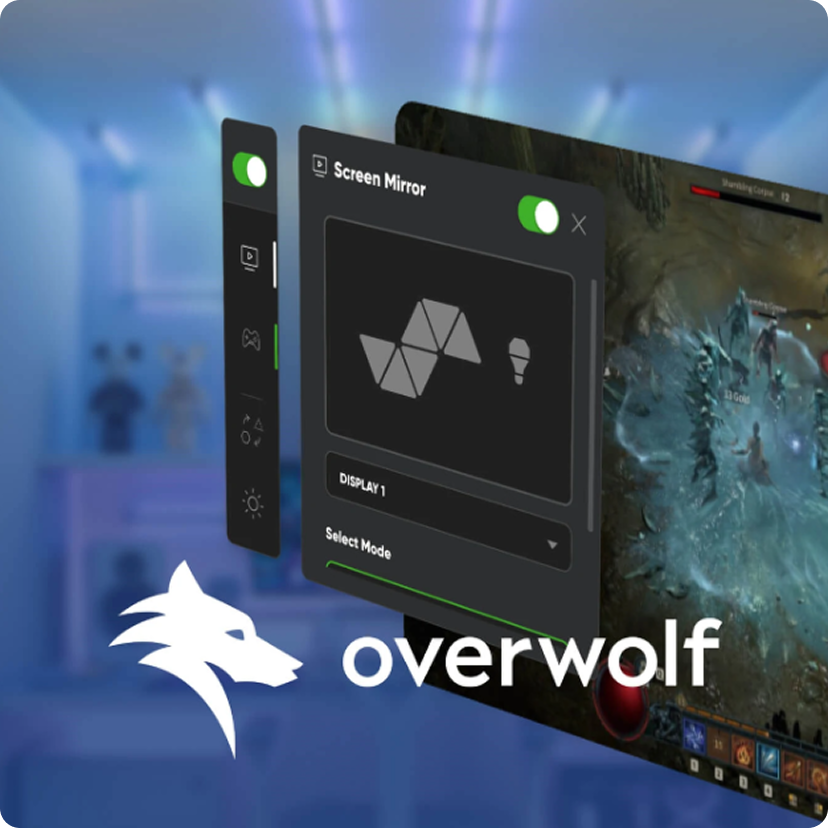
The Nanoleaf Desktop App supports integrations including Razer Chroma Connect and Overwolf for compatible Nanoleaf products.
What is Nanoleaf Premium?
Nanoleaf Premium unlocks advanced Desktop App features, including Orchestrator and Scenescapes, for enhanced lighting and entertainment experiences.
Do Essentials products require Thread?
Some Nanoleaf Essentials products require a compatible Thread Border Router when used with the Nanoleaf Desktop App.
Still have questions? Get in touch with our team