

Razer Chroma
Razer, Razer Chroma™, Razer Chroma Connect, and Razer Synapse are trademarks or registered trademarks of Razer Inc. Compatibility and available features may vary by Nanoleaf product, software version, supported games, and Windows version.

Ready. Set. Sync.
Before connecting your compatible Nanoleaf products with Razer Chroma™, install both the Nanoleaf Desktop App and Razer Synapse on a Windows PC. Nanoleaf Essentials Bulbs and Lightstrips require Thread.
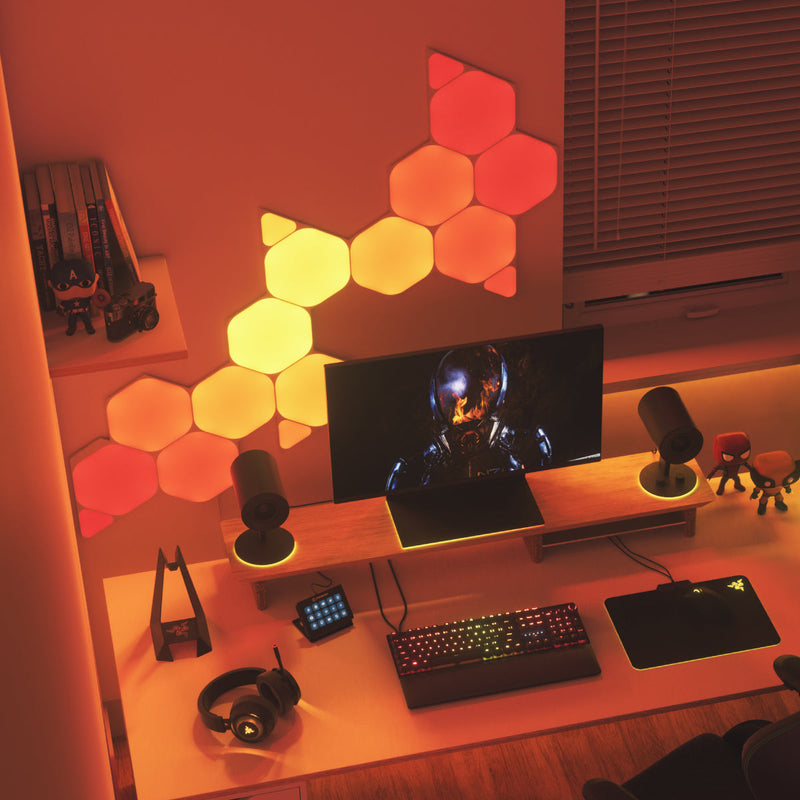
Feel Like You’re in the Game
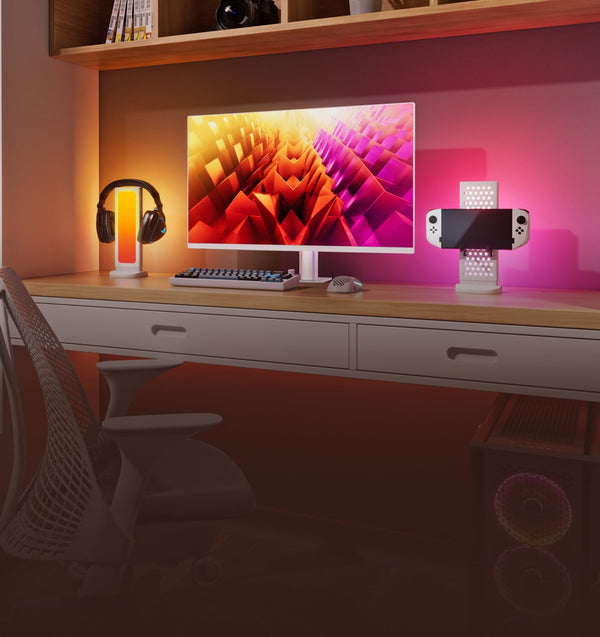
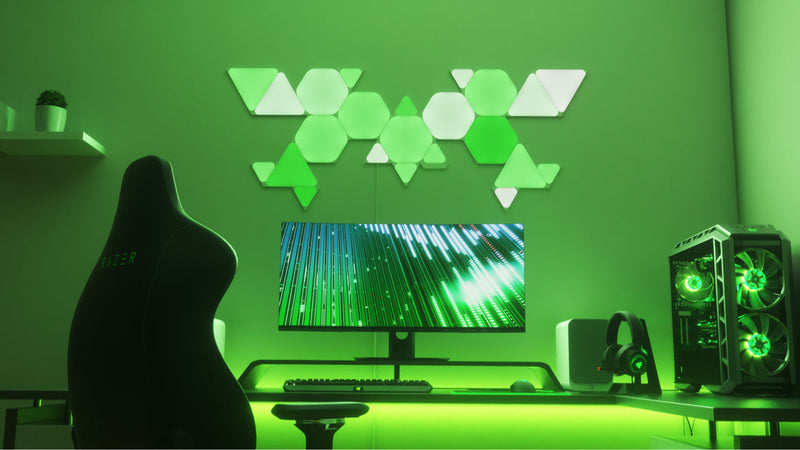
Bring your games beyond the screen with lighting that reacts in real time. Compatible Nanoleaf lights respond to supported games, creating immersive RGB effects that extend gameplay throughout your entire setup. Experience dynamic real-time lighting effects when playing your favorite games with everything from event-based flashes and explosions to instant notifications when a spell is ready to fire.
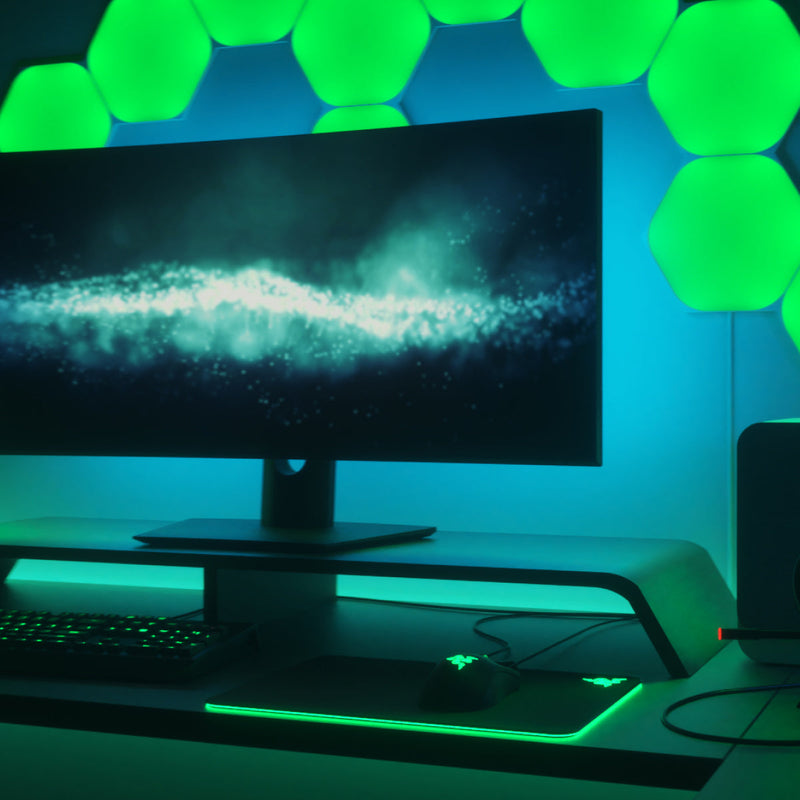
Unique Lighting Effects
Choose the experience that fits your setup. Ambient Awareness mirrors the colors on your screen for immersive desktop lighting, while Razer Chroma Connect synchronizes compatible Nanoleaf lights with supported games and applications to deliver dynamic, event-driven RGB effects. Customize everything with Chroma Studio to create your ideal gaming environment.
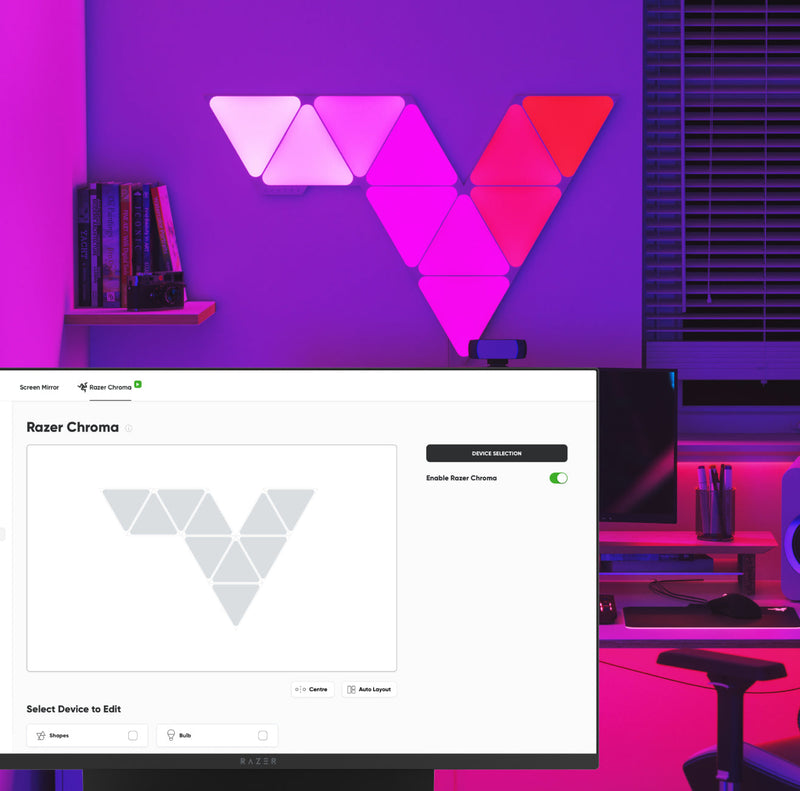
Easy to Set Up
Install the Nanoleaf Desktop App and Razer Synapse, enable Chroma Connect, and connect your compatible Nanoleaf products in just a few steps. Once connected, customize lighting effects, synchronize compatible devices, and build immersive RGB experiences from a single desktop interface.
Produits compatibles
Fonctionne avec ces produits Nanoleaf
 Épuisé
Miroir d'écran Nanoleaf 4D
540
$0.00
ÉpuiséBlocs Nanoleaf
179
$0.00
ÉpuiséNanoleaf Ceiling Light
$0.00
ÉpuiséNanoleaf Elements
4617
$0.00
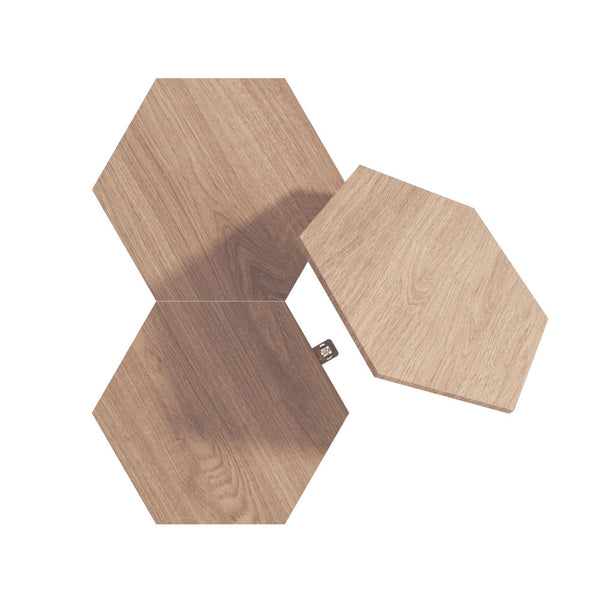 Épuisé
Nanoleaf Elements Expansion Packs
$0.00
ÉpuiséNanoleaf Elements Starter Kits
$0.00
 Épuisé
Guirlande Lumineuse de Fêtes Nanoleaf
308
$0.00
ÉpuiséVitrine d'exposition à LED Nanoleaf
32
$0.00
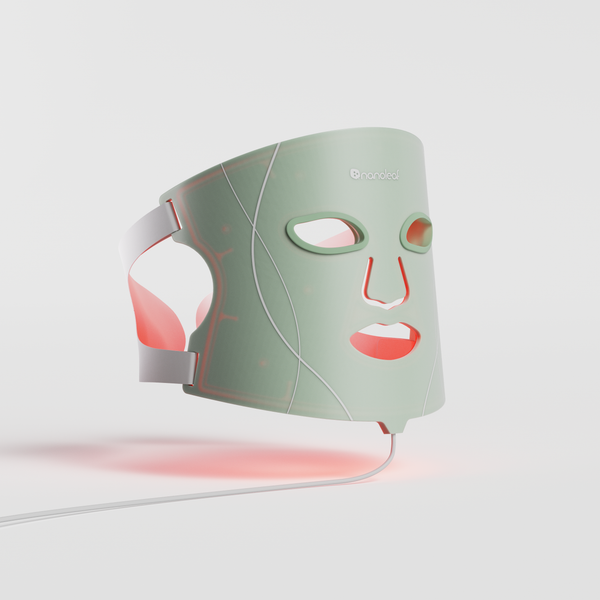 Épuisé
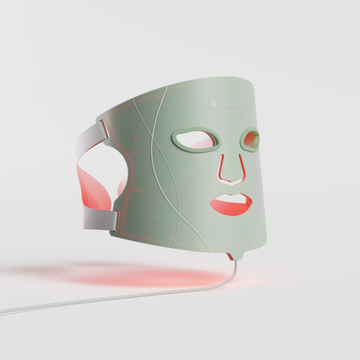
Masque de luminothérapie Nanoleaf
353
$0.00
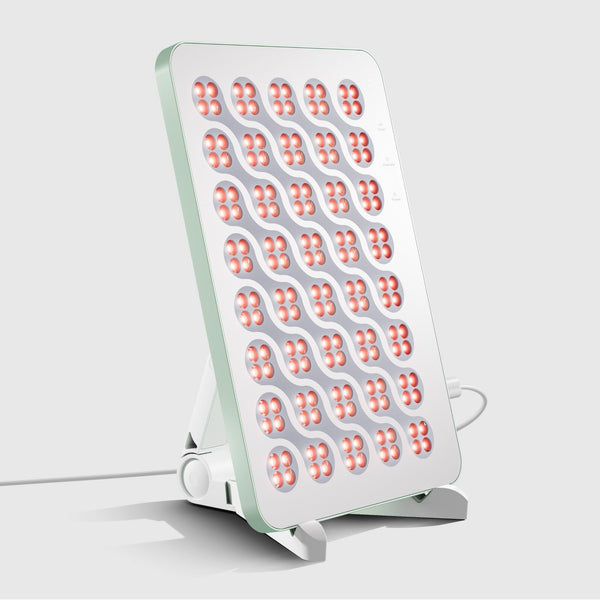 Épuisé
Panneau Nanoleaf de luminothérapie
353
$0.00
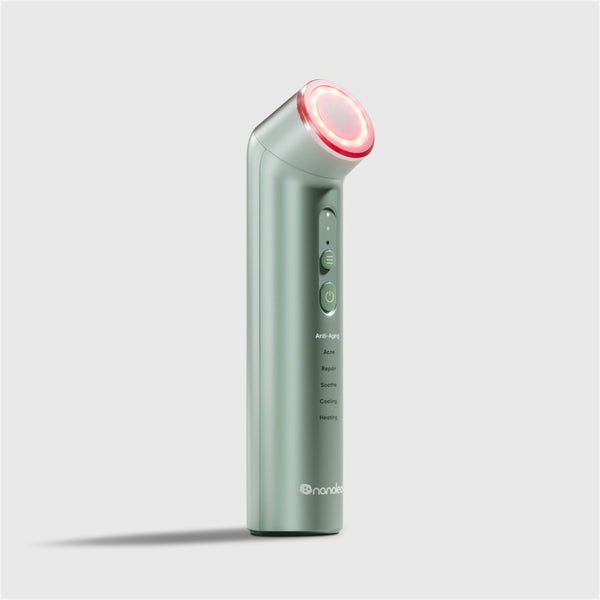 Épuisé
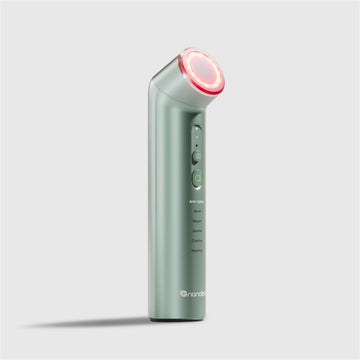
Baguette de luminothérapie Nanoleaf
353
$0.00
ÉpuiséNanoleaf Lines
884
$0.00