


Livraison gratuite pour les commandes de plus de 75 $

Garantie de 2 ans sur tous les produits

Rated 5 out of 5 stars

Nanoleaf Smart LED Monitor Stand

€0,00
New ReleaseDesk AccessoryErgonomicMatter Ready

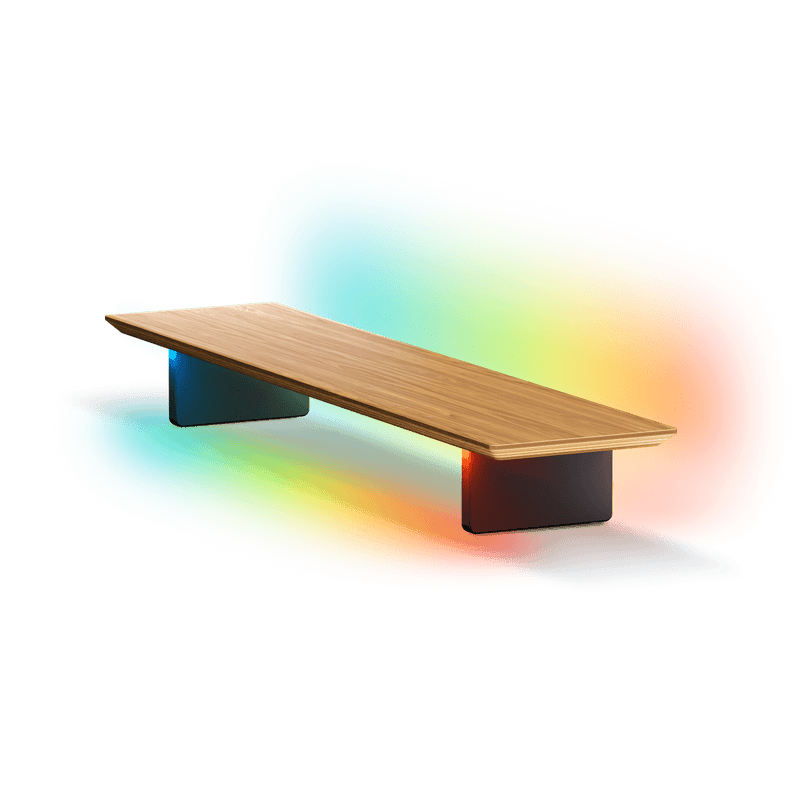
Nanoleaf x FANTAQI Smart Monitor Stand is a premium modular monitor stand that combines ergonomic desktop organization with intelligent lighting, detailed craftsmanship, and smart home connectivity.

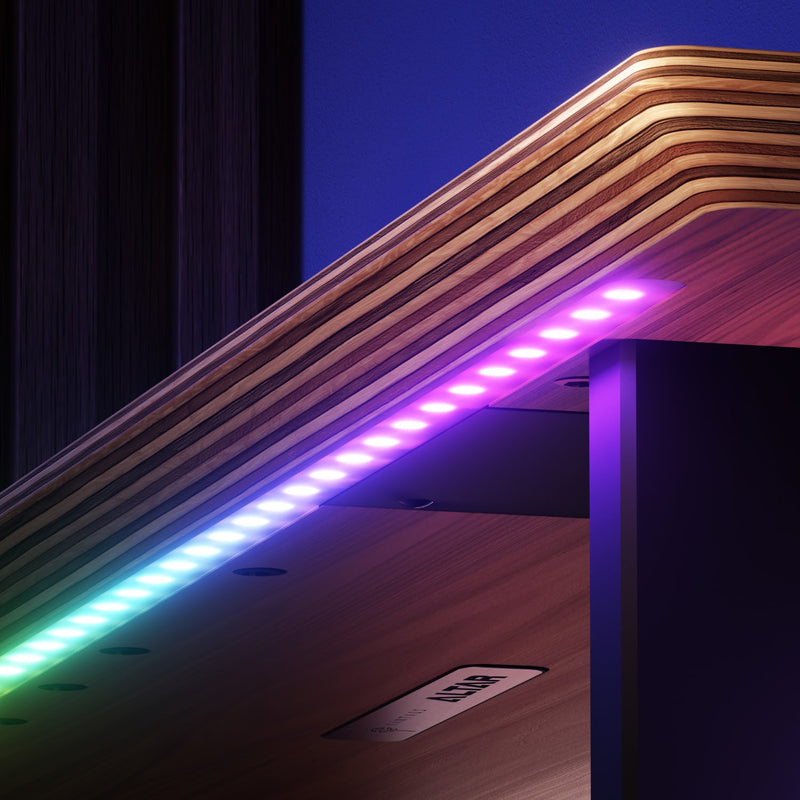
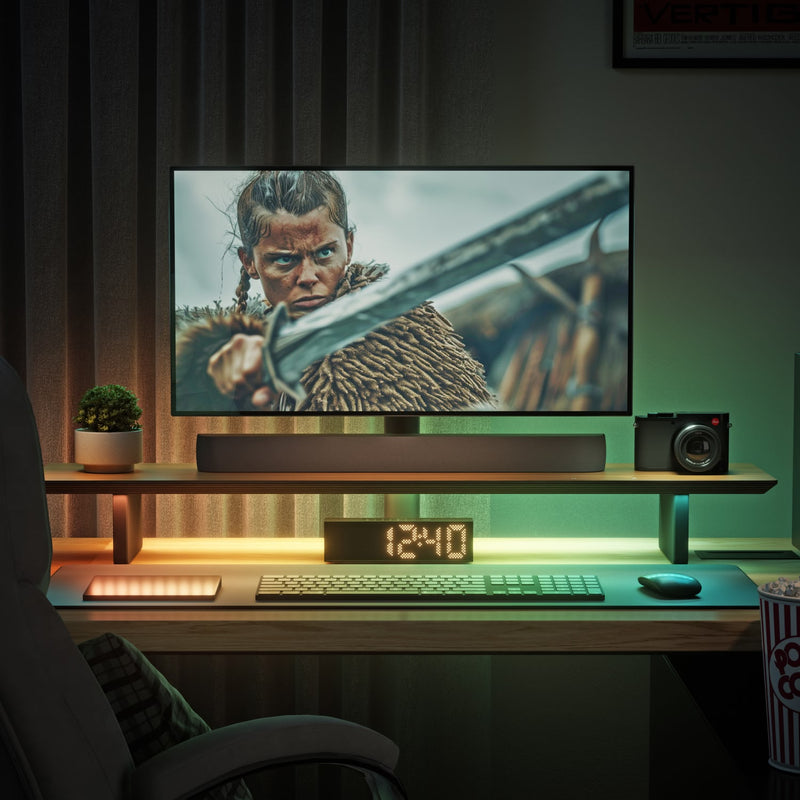
Featuring Dual-Flux Lighting with a CRI 97 front task light and 160° rear ambient wall-washing illumination, plus 102 individually addressable LEDs, it delivers vibrant gradient lighting, customizable Scenes, Screen Mirror, and Music Sync for work, gaming, and entertainment.

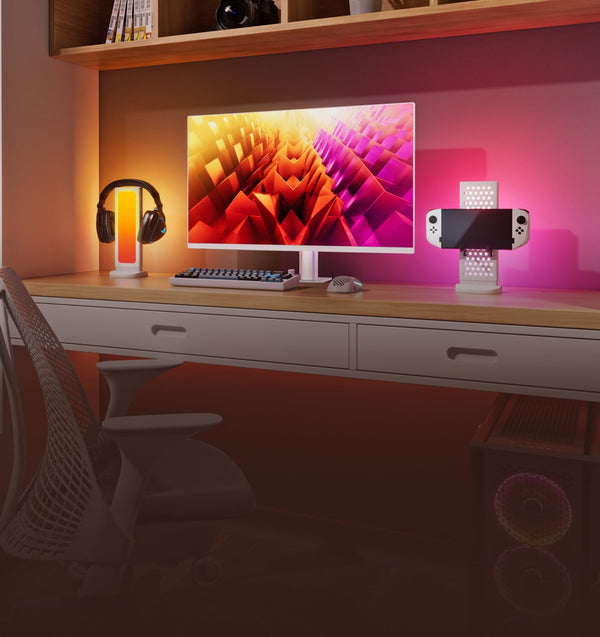
Expand your setup with the universal 1/4" threaded accessory system, then customize your lighting with the Nanoleaf App or your favorite Matter-compatible smart home ecosystem, including Apple Home, Google Home, Amazon Alexa, and more.

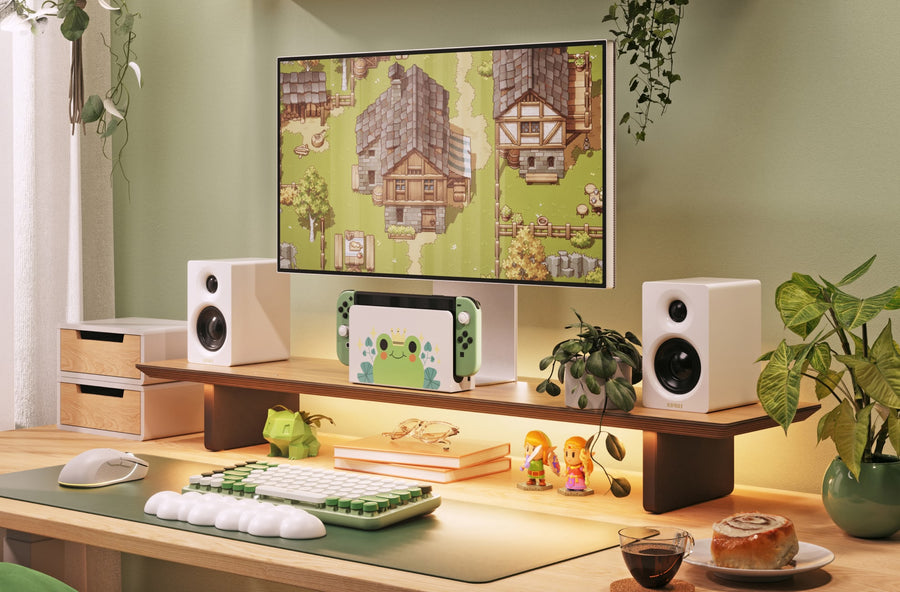
Sleek Wood Aesthetics
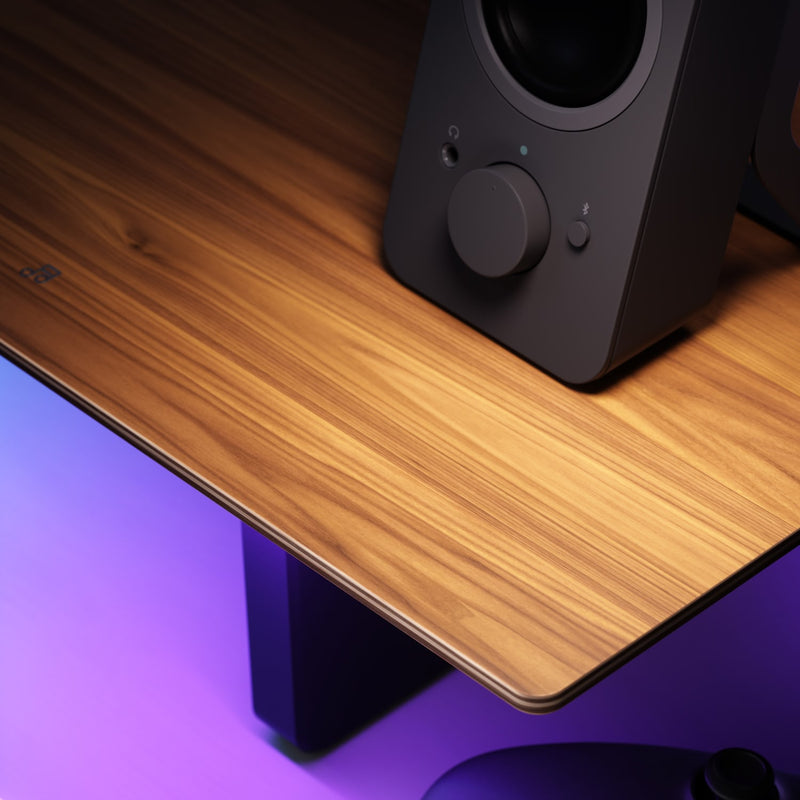
Sleek Wood Aesthetics Real wood for a premium look and feel. Made with high quality materials.
Ergonomic Elevation
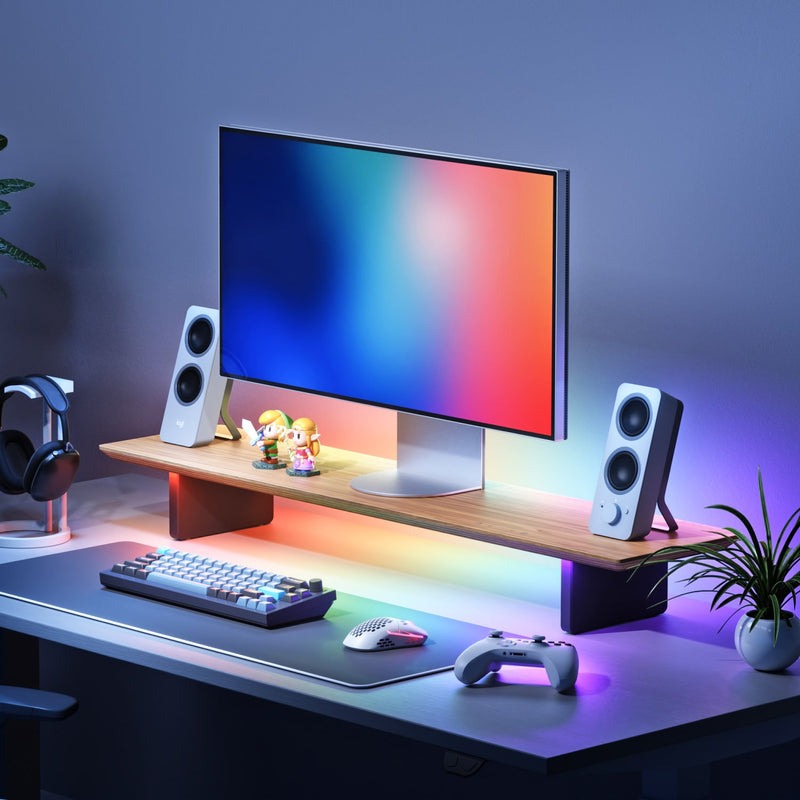
Ergonomic Elevation Optimal ergonomic viewing angle, elevate 4+ inches for your perfect setup.
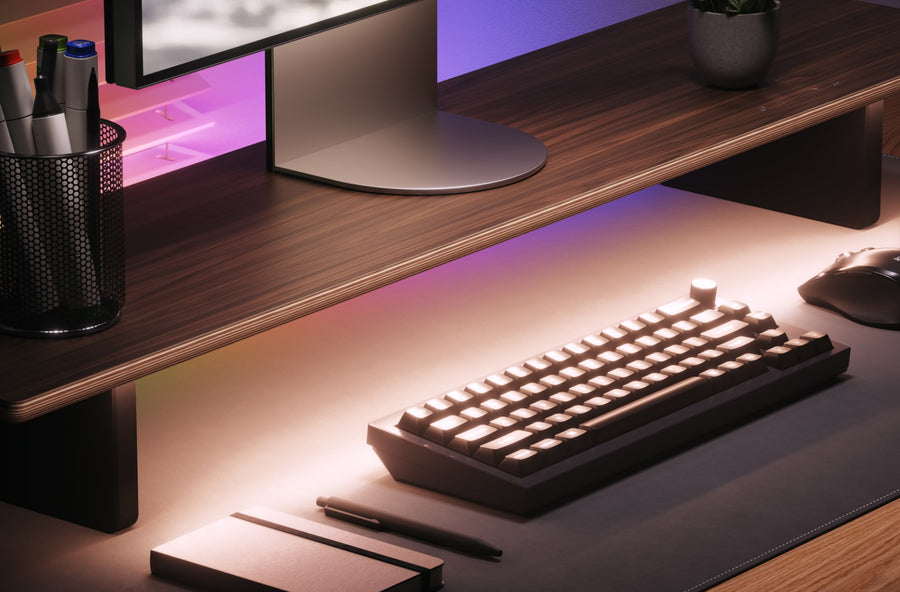
Addressable Color Zones
Addressable Color Zones Individually addressable zones display multiple colors at once.
Smart Home Ready
Smart Home Ready Control with Major Smart Home Ecosystems. No Hub Needed.

Soyez informé du retour en stock

Un seul e-mail, pas de spam. Désabonnement possible à tout moment.

Actuellement indisponible
US Warehouse
Retours sous 30 jours · Livraison gratuite dès 75 $ d'achats · Garantie de 2 ans
  • ×1Wood Panel
  • ×1Support Legs
  • ×1Charging Cable (USB)
  • ×1Screwdriver
  • ×1Center Support Column

Backed by our limited warranty, with coverage ranging from 1–2 years depending on your region. If your product develops a defect under normal use during the warranty period, we'll replace it at no charge. See Warranty Terms for details.*

UL ULCFCCICRCM SAACCCSRRCCERoHSReachCB

Free shipping on eligible orders. Rates calculated at checkout.

Ships in 1–2 business days. Delivery times vary by location

60-day hassle-free returns. See our return policy for details.

UGS : SQFX03K02-1PA

Save More When You Bundle

Pick your favorites and unlock up to 25% off — automatically applied at checkout.

10% 3+ items
15% 5+ items
25% 8+ items
Build Your Bundle
Smart Desk Accessory

Smart LED Monitor Stand

Desktop Space Refined

Introducing the Smart LED Monitor Stand

Transform your ordinary desk into an immersive connected smart center with the Nanoleaf x FANTAQI Smart Monitor Stand, and experience the perfect fusion of sleek natural wood aesthetic with cutting-edge smart lighting technology.

Desk Setup Essentials

Next-Level Lighting Accessories

Ergonomic Positioning
Posture Support

Ergonomic Positioning

Elevates your monitor 4+ inches to achieve the optimal ergonomic viewing angle. Shift your gaze from slouching downwards to eye level, helping your spine return to its natural curve to maintain a comfortable, effortlessly posture all day long.

Increased Desk Space

Increased Desk Space

Dual-layer layout doubles the storage space on your desk without looking cluttered. Instantly achieve a clean and organized desk area while keeping items within reach.

Front Task Lighting

Front Task Lighting

Featuring a forward-facing anti-glare task light (UGR<10) with dedicated CRI97 white LEDs and tunable white color temperatures. Enjoy enhanced visibility, reduced eyestrain, and comfortable illumination for focused work.

Works With

Plays nice with everything you already use.

See all integrations

FAQs

Why does Smart LED Monitor Stand flash red 3 times when I turn it on?
This is a low-power safety warning. Your connected charger must provide 15W or more via Type-C PD/QC. Use a 15W+ charger, such as most laptop or phone USB-C chargers. USB-A chargers typically do not provide enough power.
Does Smart LED Monitor Stand come with a power adapter?
No. Smart LED Monitor Stand uses a standard Type-C PD/QC connection, and you must provide your own 15W+ Type-C charger. This reduces e-waste and allows you to use a charger you already own.
Can Smart LED Monitor Stand connect to 5GHz Wi-Fi?
No. Smart LED Monitor Stand only supports 2.4GHz Wi-Fi. This is common for smart home devices because of its better range and wall penetration. Most dual-band routers broadcast both frequencies, and Smart LED Monitor Stand will automatically use the 2.4GHz band.
What is the CCT range and CRI of the task light?
The task light supports a CCT range from 1700K (warm amber) to 6500K (cool daylight) with CRI 97 for accurate color rendering, making it suitable for video calls, photography, and extended work sessions.
How many RGB color zones does Smart LED Monitor Stand have?
Smart LED Monitor Stand has 102 individually addressable RGB color zones, enabling smoother gradients, richer animations, and more detailed lighting effects compared to typical smart light strips.
Can Smart LED Monitor Stand sync with my existing Nanoleaf products (Lines, Shapes, Elements)?
Yes. Through Sync+ and 4D Scene features, Smart LED Monitor Stand can synchronize lighting effects with your Nanoleaf ecosystem for a unified and immersive lighting experience.
What cameras and accessories are compatible with the 1/4-inch mount?
Any device with a standard 1/4-inch UNC screw mount is compatible, including DJI OSMO action cameras, INSTA360 cameras, webcams, ring lights, mini tripods, and similar photography or video accessories. Hand-tighten only and avoid over-tightening.
Does Smart LED Monitor Stand support screen mirroring?
Yes. Through the Nanoleaf Desktop App, Smart LED Monitor Stand can synchronize lighting with on-screen content for an immersive gaming or movie-watching experience.
What voice assistants are supported?
Smart LED Monitor Stand supports Amazon Alexa, Google Assistant, Apple Siri through Apple Home, and Samsung SmartThings. Full Matter compatibility provides broad smart home ecosystem support.
How do I switch between controlling the RGB ambient light and the CW task light?
Long-press the Power button for 1.2-10 seconds to toggle the CW task light on or off. When the CW task light is on, the +/- buttons control task light brightness only. To control RGB brightness, long-press the Power button to turn off the CW channel first.
The capacitive touch buttons don't seem sensitive enough. What should I do?
The touch buttons require a firm press for reliable activation. Press with more force, fully cover the button icon with your fingertip, and extend slightly above it. The LED indicator at the bottom of the button will light up when the touch is successfully detected.

Still have questions? Get in touch with our team

Rated 5 out of 5 on Trustpilot #NANOLEAF

Why People Love Nanoleaf

See what the Nanoleaf Community has to say and check out our social media for even more design and setup inspiration.

Loading reviews...

Build the Ultimate Collector Setup

Explore immersive smart lighting and gaming accessories designed to transform your desk, display, and entertainment setup.

BUILD YOUR OWN

Build Your Own Kit

Mix and match panels, accessories, and connectors. Save up to 25%.

BUILD YOUR OWN

Build Your Own Kit

Mix and match panels, accessories, and connectors. Save up to 25%.

More Ways to Customize Your Setup

More Ways to Customize Your Setup

From immersive smart lighting to screen mirroring and desk accessories, explore products designed to elevate every gaming and entertainment space.