

Razer Chroma
Razer, Razer Chroma™, Razer Chroma Connect, and Razer Synapse are trademarks or registered trademarks of Razer Inc. Compatibility and available features may vary by Nanoleaf product, software version, supported games, and Windows version.

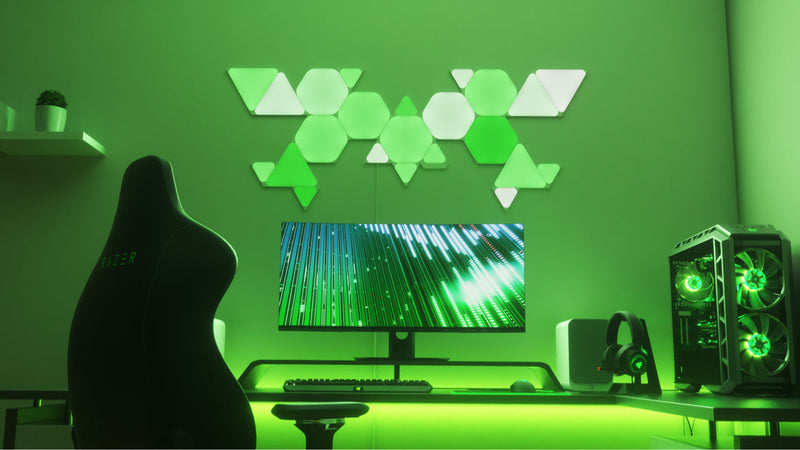
Ready. Set. Sync.
Before connecting your compatible Nanoleaf products with Razer Chroma™, install both the Nanoleaf Desktop App and Razer Synapse on a Windows PC. Nanoleaf Essentials Bulbs and Lightstrips require Thread.
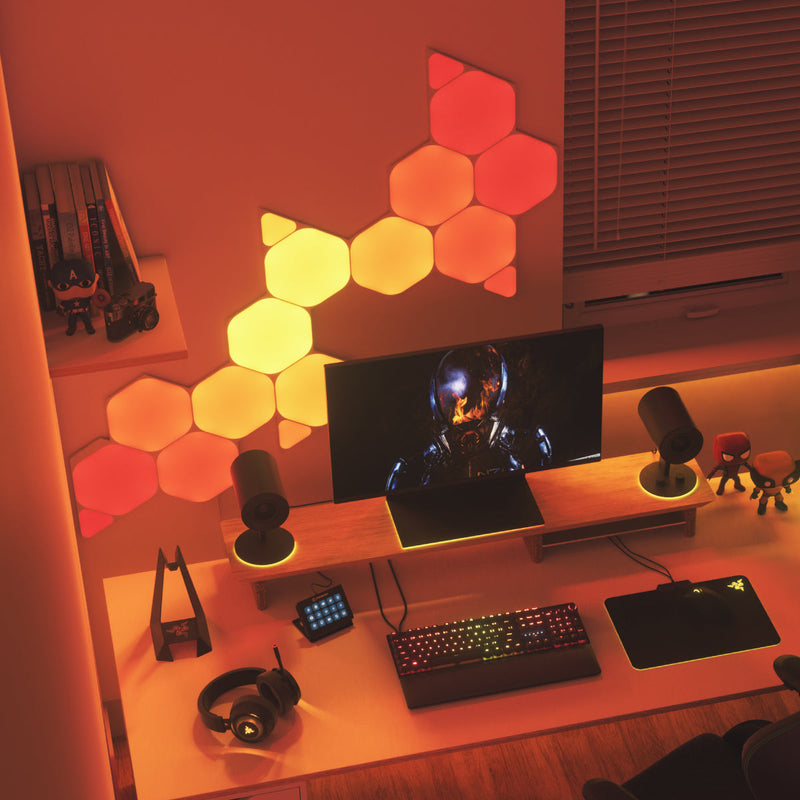
Feel Like You’re in the Game
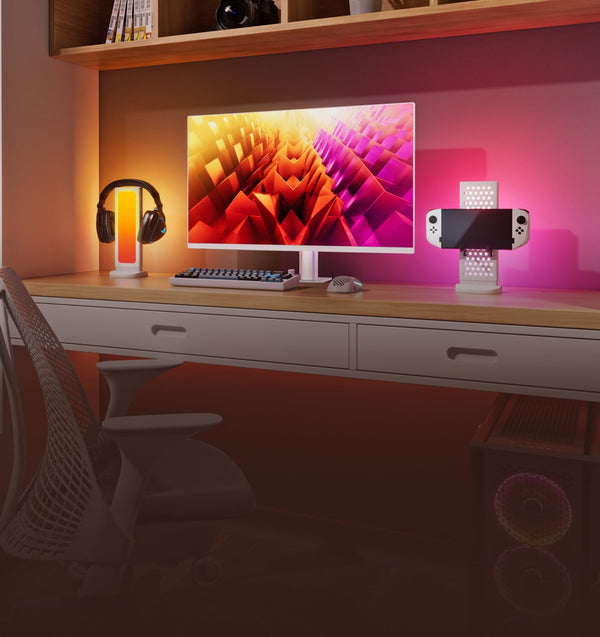
Bring your games beyond the screen with lighting that reacts in real time. Compatible Nanoleaf lights respond to supported games, creating immersive RGB effects that extend gameplay throughout your entire setup. Experience dynamic real-time lighting effects when playing your favorite games with everything from event-based flashes and explosions to instant notifications when a spell is ready to fire.
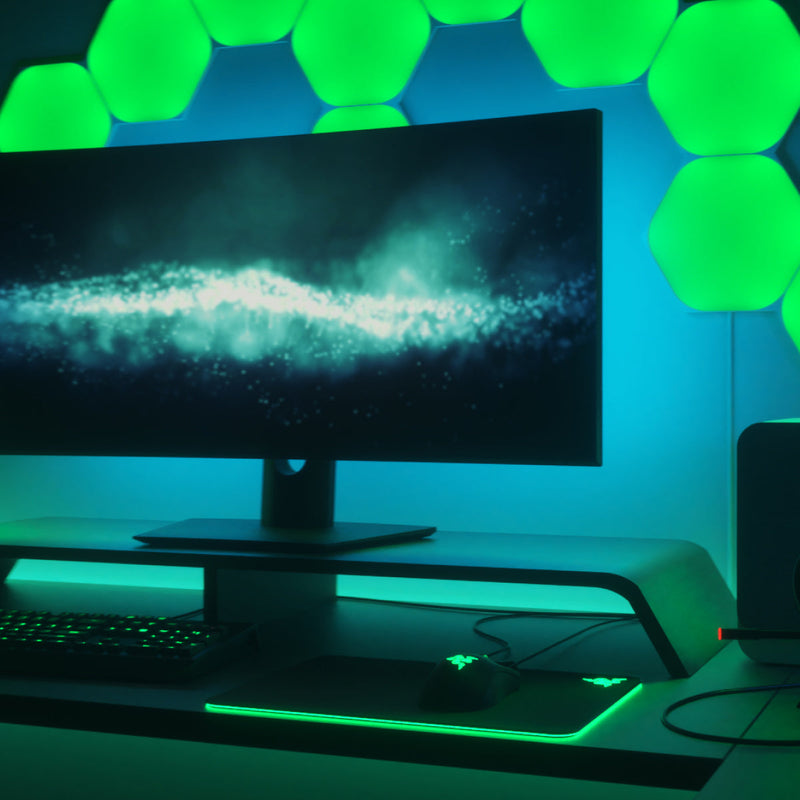
Unique Lighting Effects
Choose the experience that fits your setup. Ambient Awareness mirrors the colors on your screen for immersive desktop lighting, while Razer Chroma Connect synchronizes compatible Nanoleaf lights with supported games and applications to deliver dynamic, event-driven RGB effects. Customize everything with Chroma Studio to create your ideal gaming environment.
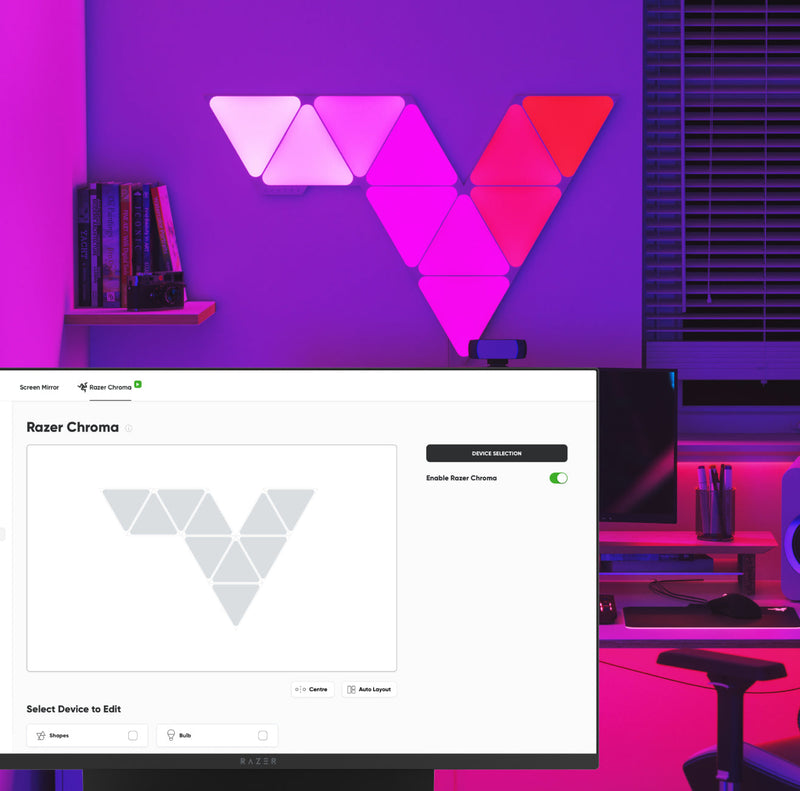
Easy to Set Up
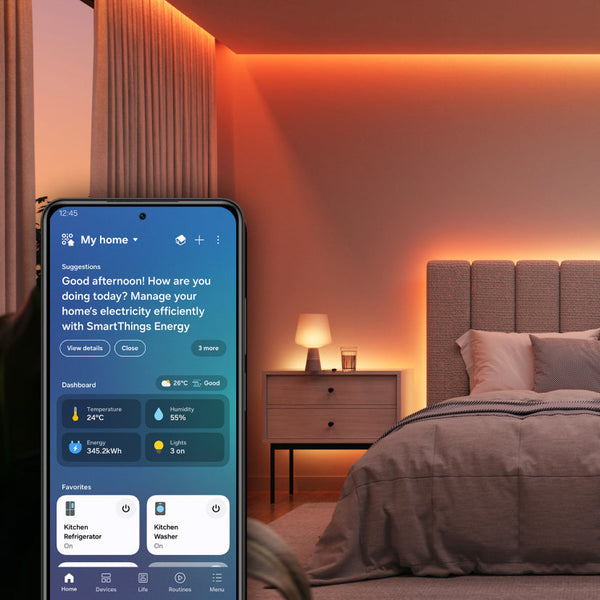
Install the Nanoleaf Desktop App and Razer Synapse, enable Chroma Connect, and connect your compatible Nanoleaf products in just a few steps. Once connected, customize lighting effects, synchronize compatible devices, and build immersive RGB experiences from a single desktop interface.
Compatible Products
Works with these Nanoleaf products
 Sold Out
Nanoleaf 4D Screen Mirror
540
€0,00
Sold OutNanoleaf Blocks
179
€0,00
Sold OutNanoleaf Ceiling Light
€0,00
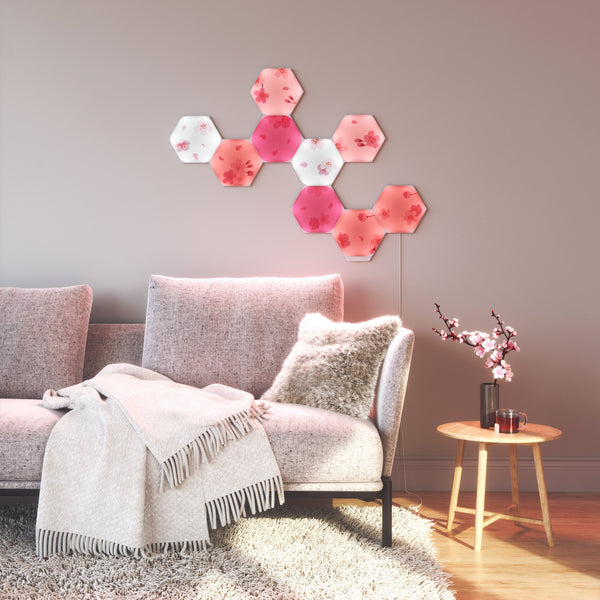
Sold OutNanoleaf Elements
4617
€0,00
 Sold Out
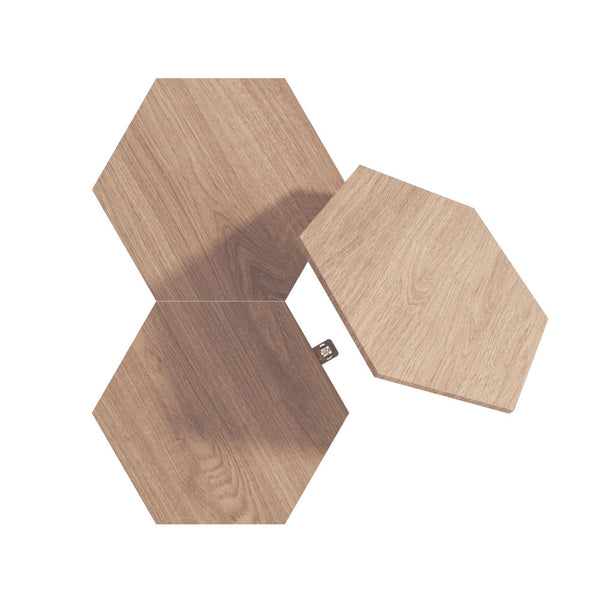
Nanoleaf Elements Expansion Packs
€0,00
Sold OutNanoleaf Elements Starter Kits
€0,00
 Sold Out
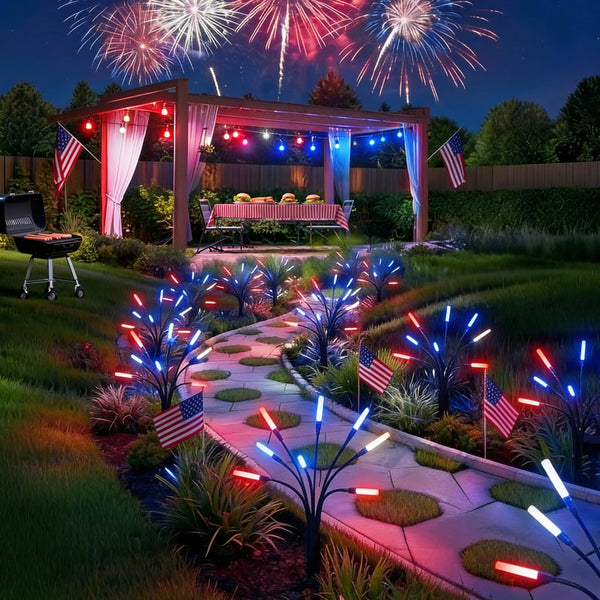
Nanoleaf Holiday String Lights
308
€0,00
Sold OutNanoleaf LED Display Case
32
€0,00
 Sold Out
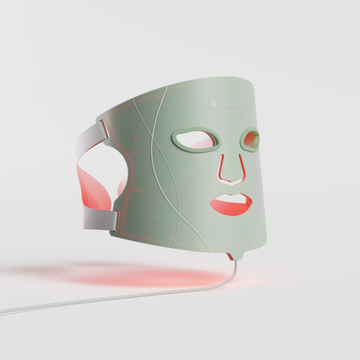
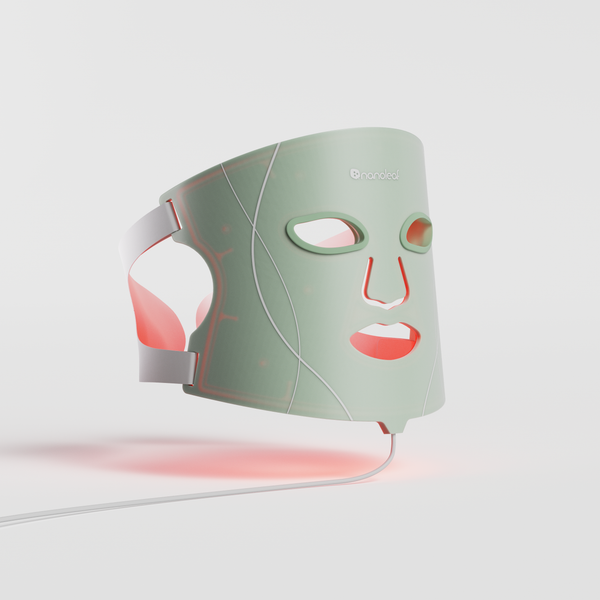
Nanoleaf Light Therapy Face Mask
353
€0,00
 Sold Out
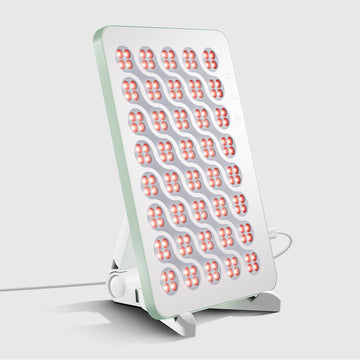
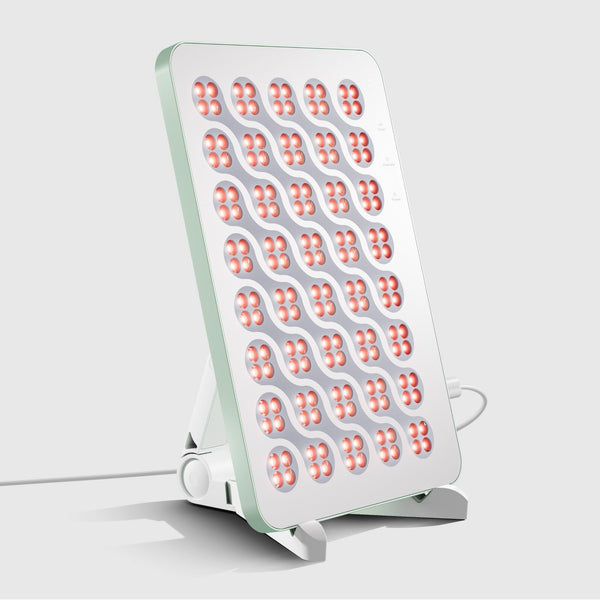
Nanoleaf Light Therapy Panel
353
€0,00
 Sold Out
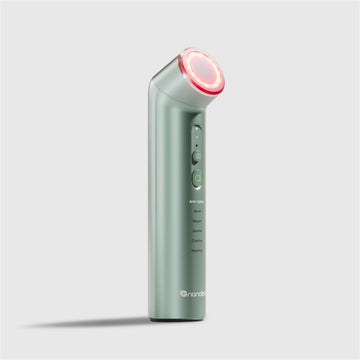
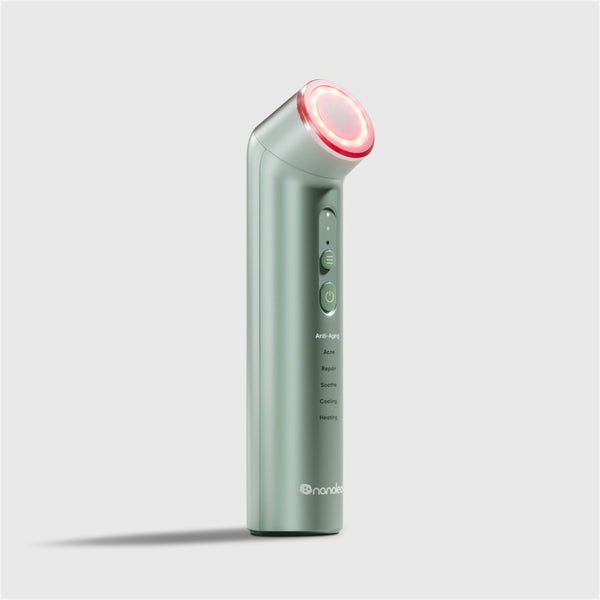
Nanoleaf Light Therapy Wand
353
€0,00
Sold OutNanoleaf Lines
884
€0,00
Frequently Asked Questions
What is Razer Chroma Connect?
Razer Chroma Connect extends RGB lighting effects beyond Razer devices by synchronizing compatible third-party products, including supported Nanoleaf lights, with games, applications, and desktop lighting.
Do Nanoleaf lights work with Razer Chroma?
Yes. Compatible Nanoleaf products integrate with Razer Chroma Connect, allowing your lights to synchronize with supported games, desktop effects, and compatible Razer RGB devices.
Which Nanoleaf products support Razer Chroma?
Support varies by product. Refer to your Nanoleaf product's compatibility information to see if Razer Chroma Connect is supported.
Do I need the Nanoleaf Desktop App?
Yes. Compatible Nanoleaf products require the Nanoleaf Desktop App together with Razer Synapse and Chroma Connect for setup and integration.
Can my Nanoleaf lights react to games?
Yes. Supported games and applications can trigger dynamic lighting effects that synchronize your compatible Nanoleaf lights with gameplay and on-screen events.
What is Ambient Awareness?
Ambient Awareness mirrors the colors displayed on your monitor to create immersive lighting that extends beyond your screen using compatible Nanoleaf products.
What's the difference between Ambient Awareness and Razer Chroma game integrations?
Ambient Awareness mirrors the colors displayed on your monitor for immersive desktop lighting, while Razer Chroma Connect synchronizes compatible Nanoleaf lights with supported games and applications to deliver dynamic lighting effects based on in-game events.
Can I customize the lighting effects?
Yes. Use Razer Synapse and Chroma Studio to create custom RGB effects, synchronize devices, and personalize your gaming setup.
Do I still need the Nanoleaf App?
Yes. The Nanoleaf App and Desktop App provide firmware updates, product-specific settings, and Nanoleaf-exclusive features in addition to Razer Chroma integration.
Still have questions? Get in touch with our team