

Google Home
Example commands
"Okay Google, turn on the living room lights""Okay Google, set my panels to 50%""Okay Google, make my lights pink""Okay Google, turn off all the lights"
Google, YouTube, Google Home, and Google Nest Mini are trademarks of Google, LLC. To use Google Assistant, you need a Free Google Home app and an active Google Account. Google Assistant is not available in certain languages and countries.

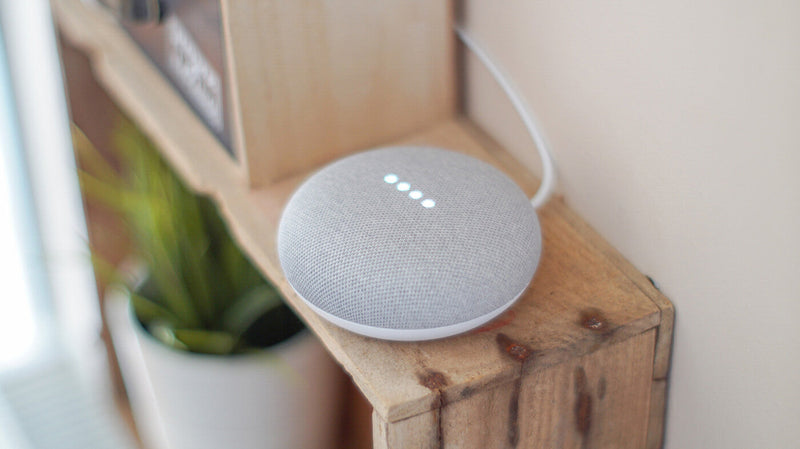
Hey Google, Let's Glow
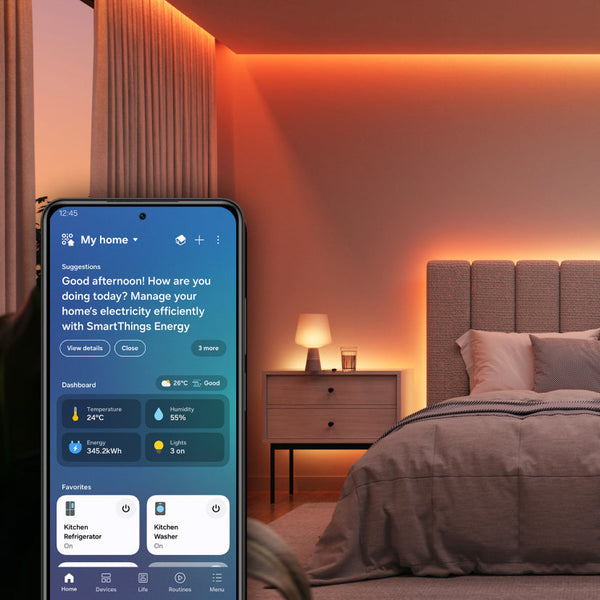
Bring your smart home together with Google Home. Control compatible Nanoleaf lights alongside your other connected devices, create household routines, and enjoy hands-free lighting control with Google Assistant from anywhere in your home.
Google Assistant Voice Control
Control your compatible Nanoleaf lights using natural voice commands with Google Assistant.
Popular Google Assistant Commands
- Hey Google, turn on the living room lights.
- Hey Google, dim the bedroom lights to 25%.
- Hey Google, set the office lights to pink.
- Hey Google, go to sleep.
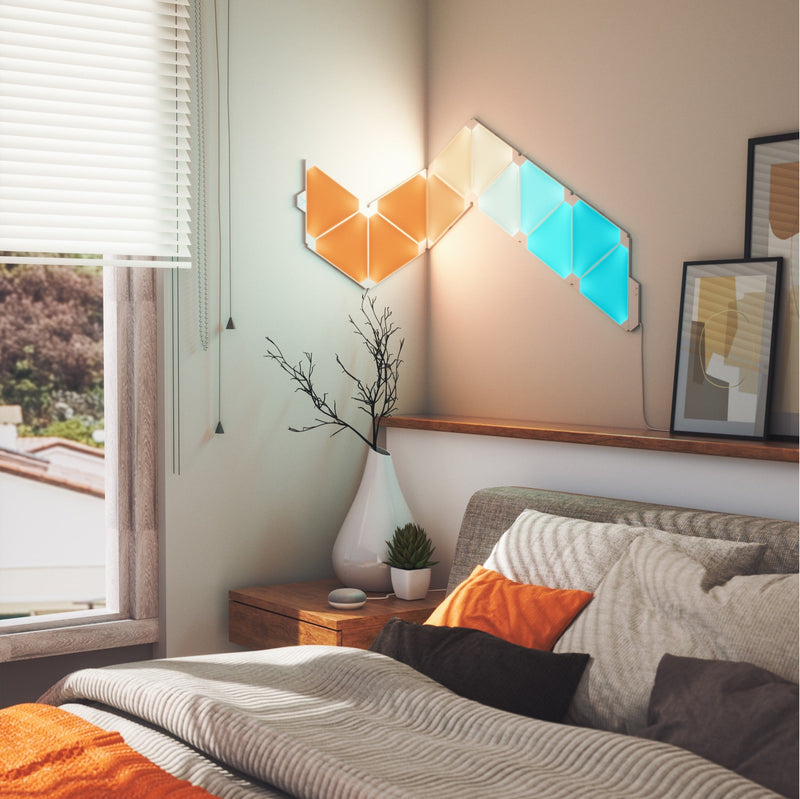
Personalized Routines
Create Google Home routines that combine your Nanoleaf lights with other compatible smart home devices. Start your morning, welcome yourself home, or wind down for the evening with a single voice command or scheduled automation.
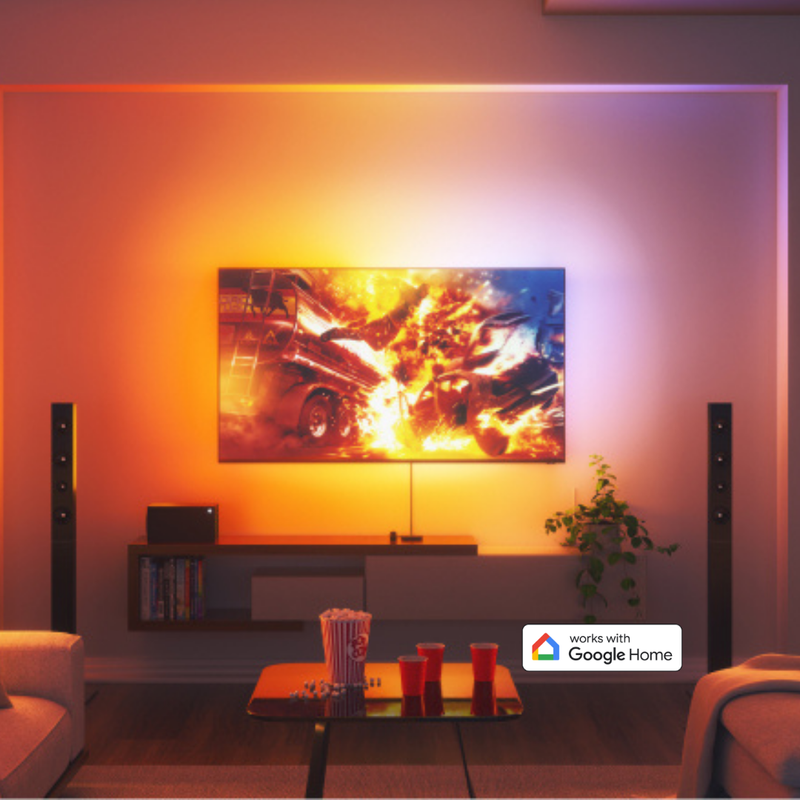
Intelligent Home Automations
Create personalized Google Home automations and routines using schedules, sunrise and sunset, or voice commands. Organize compatible Nanoleaf lights by room, control multiple lights simultaneously, and manage your entire home's lighting from the Google Home app or Google Assistant.
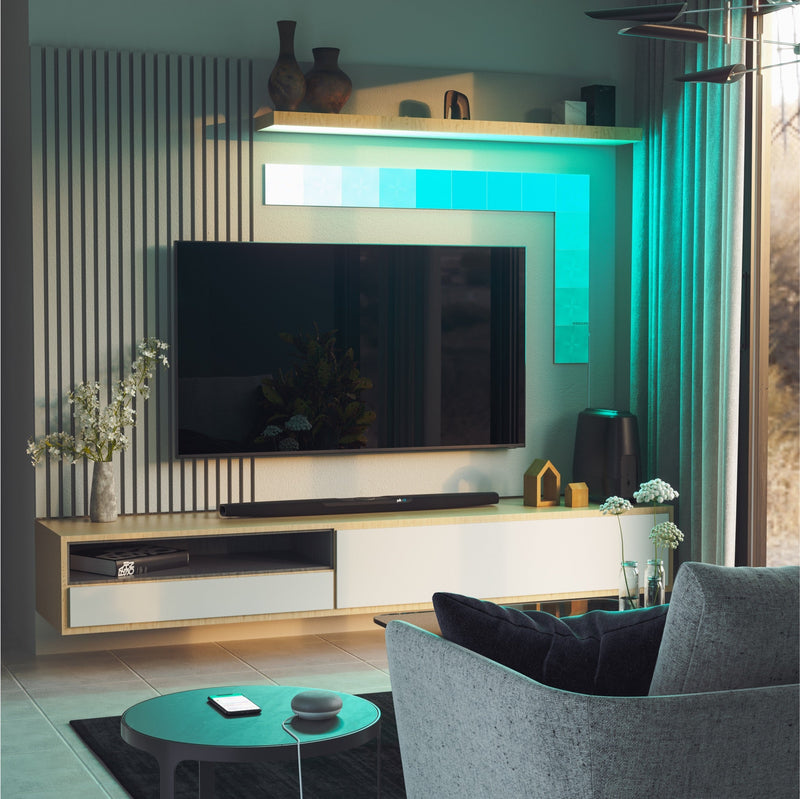
No Nanoleaf Hub Required
Compatible Nanoleaf products connect directly with Google Home without requiring a proprietary Nanoleaf hub or bridge. Matter-enabled products require a compatible Matter controller and Thread Border Router for Matter functionality.1
1. Thread Border Router functionality is available on select Nanoleaf products, such as Blocks, Shapes, Lines, and Elements. Requires the latest firmware. Availability may vary by product.
Compatible Products
Works with these Nanoleaf products
 Épuisé
Miroir d'écran Nanoleaf 4D
540
$0.00
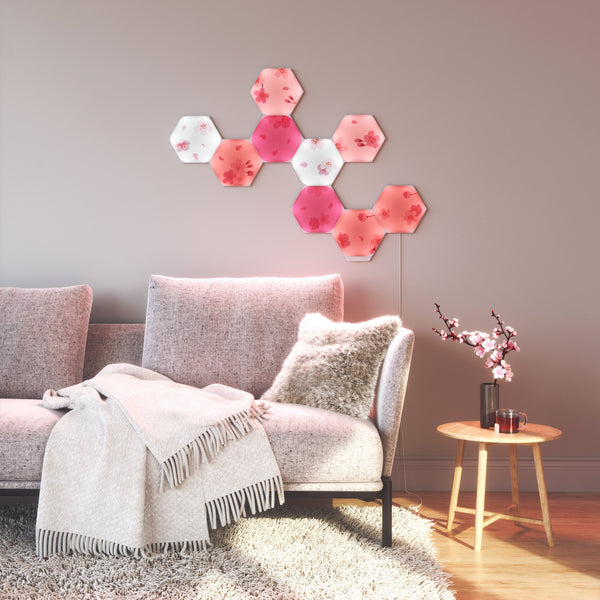
ÉpuiséBlocs Nanoleaf
179
$0.00
ÉpuiséNanoleaf Ceiling Light
$0.00
ÉpuiséNanoleaf Elements
4617
$0.00
 Épuisé
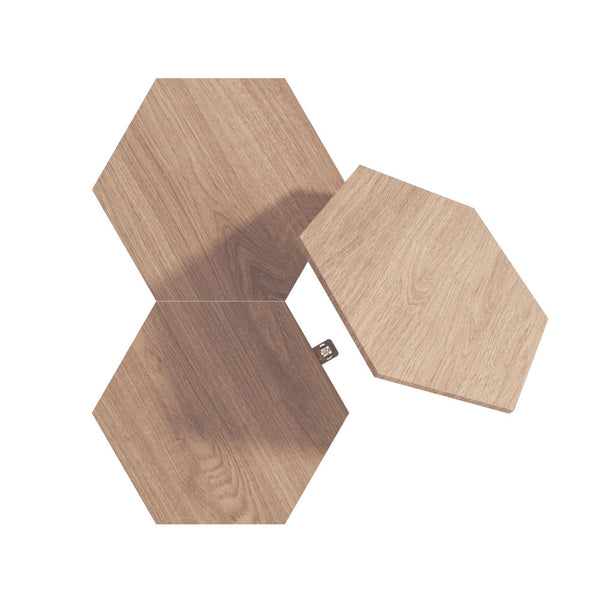
Nanoleaf Elements Expansion Packs
$0.00
ÉpuiséNanoleaf Elements Starter Kits
$0.00
 Épuisé
Guirlande Lumineuse de Fêtes Nanoleaf
308
$0.00
ÉpuiséVitrine d'exposition à LED Nanoleaf
32
$0.00
 Épuisé
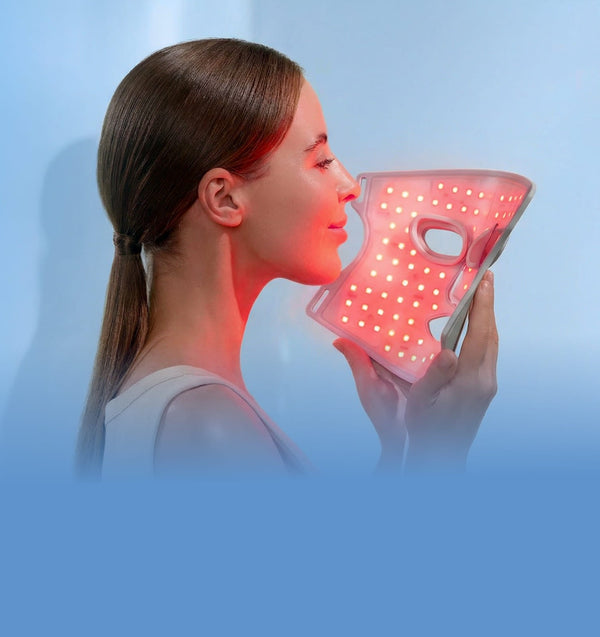
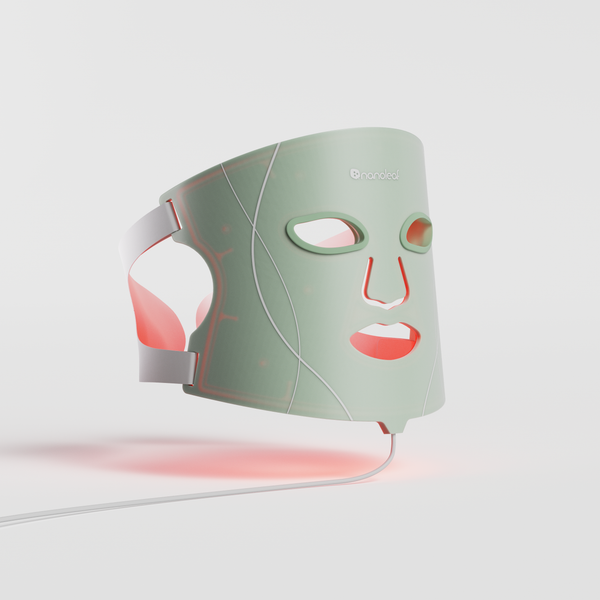
Masque de luminothérapie Nanoleaf
353
$0.00
 Épuisé
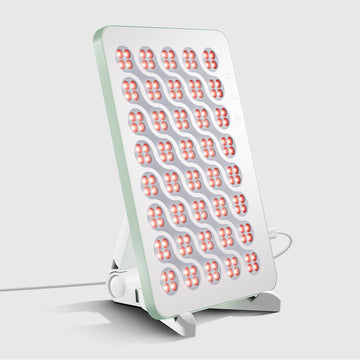
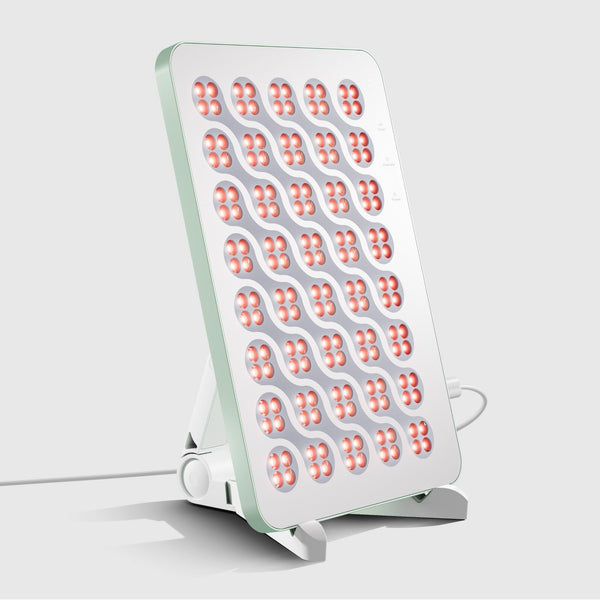
Panneau Nanoleaf de luminothérapie
353
$0.00
 Épuisé
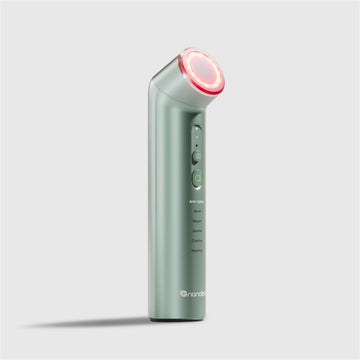
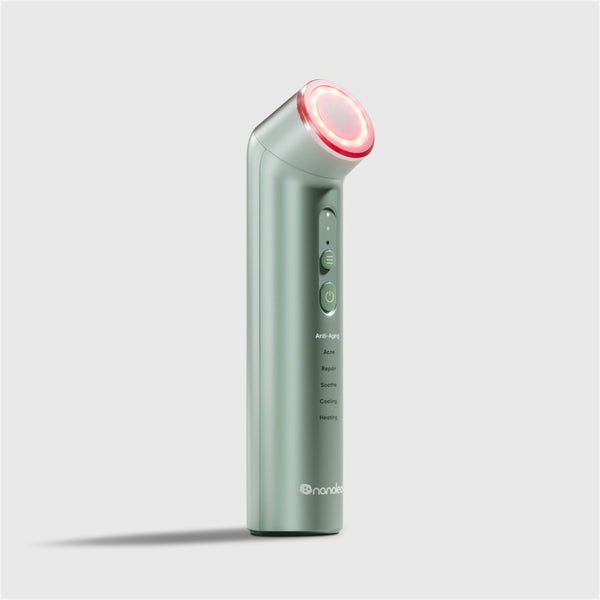
Baguette de luminothérapie Nanoleaf
353
$0.00
ÉpuiséNanoleaf Lines
884
$0.00
Frequently Asked Questions
What is Google Home?
Google Home is Google's smart home platform that lets you control compatible smart home devices, create automations, and manage your home from the Google Home app or Google Assistant.
Do Nanoleaf lights work with Google Home?
Yes. Many Nanoleaf smart lighting products are compatible with Google Home, allowing you to control your lights with Google Assistant, create routines, and manage lighting from the Google Home app.
Do I need a Nanoleaf hub?
No. Nanoleaf products do not require a proprietary Nanoleaf hub or bridge. Some Matter-enabled products require a compatible Matter controller and Thread Border Router.
Should I set up my Nanoleaf product in the Nanoleaf App first?
Yes. We recommend pairing your Nanoleaf product with the Nanoleaf App first to install the latest firmware and configure product-specific settings before connecting it to Google Home.
Can I control Nanoleaf lights with Google Assistant?
Yes. Once connected to Google Home, you can use Google Assistant to turn lights on or off, adjust brightness, change colors, activate Scenes, and control rooms with natural voice commands.
Can I create routines with Google Home?
Yes. Google Home routines let you automate your Nanoleaf lighting based on schedules, voice commands, or other compatible smart home devices.
Can I control my lights when I'm away from home?
Yes. Compatible Nanoleaf products connected through Google Home can be controlled remotely using the Google Home app.
Do I still need the Nanoleaf App after connecting to Google Home?
Google Home provides everyday smart lighting controls, while the Nanoleaf App unlocks firmware updates, advanced customization, product-specific settings, and Nanoleaf-exclusive features on compatible products.
Still have questions? Get in touch with our team