

Flic Button
Flic® and Flic Hub LR are trademarks of Shortcut Labs AB. Compatibility and supported features may vary by device, software version, and region.

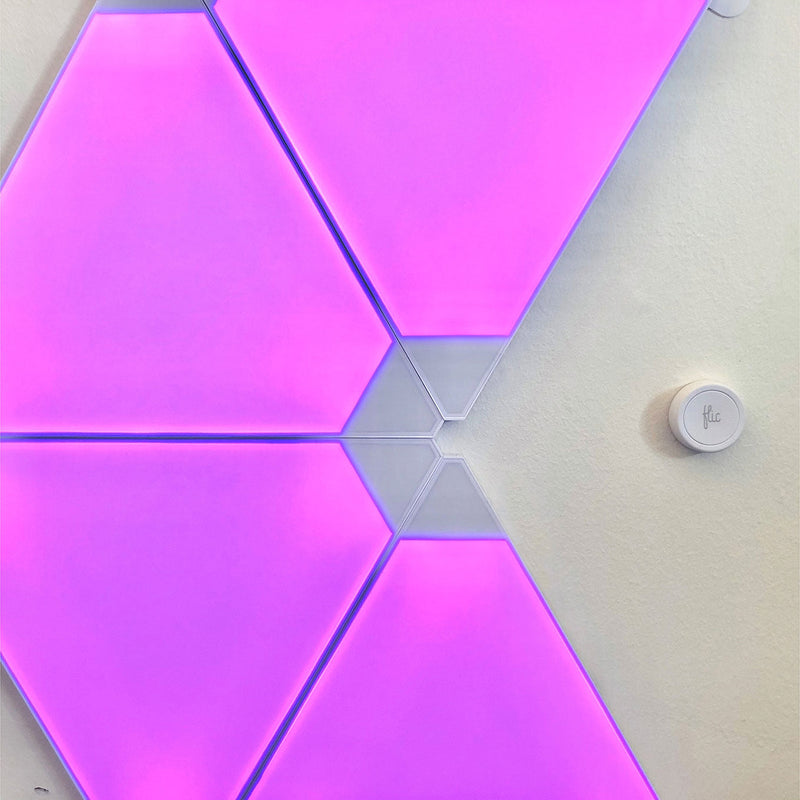
Compact Smart Control
Replace everyday app navigation and voice commands with a simple button press. Flic is a compact wireless smart button that mounts to almost any surface, giving you a flexible third-party way to control your compatible Nanoleaf lights and favorite Scenes.
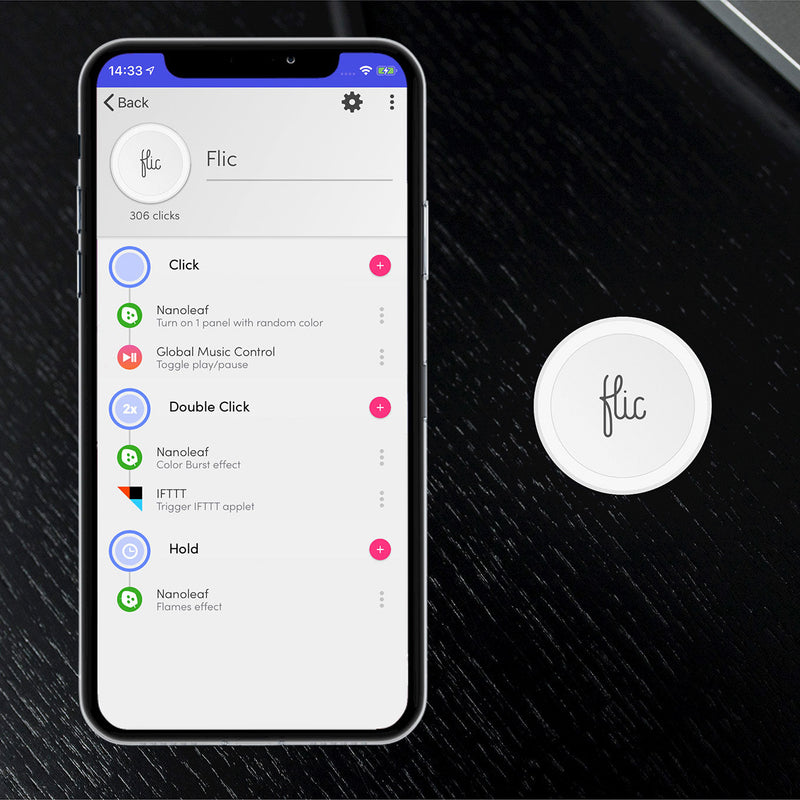
Three Triggers, Endless Combinations
Every Flic Smart Button supports three customizable actions: single press, double press, and press & hold. Assign different actions to each trigger in the Flic App, such as turning on your Nanoleaf lights, activating a favorite Scene, starting music, or running multiple smart home automations with a single button.
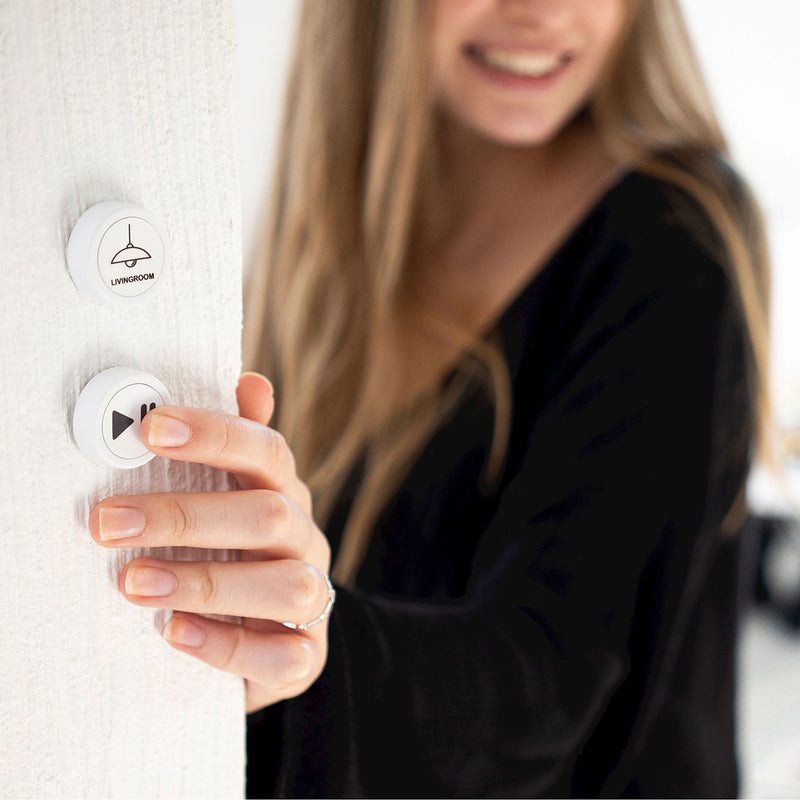
Not Just a Light Switch
Not only can you turn on your Nanoleaf lights, but also other smart devices. Have full control of your smart home, with just one button. Watch this quick tutorial on how to set up Nanoleaf in the Flic App.
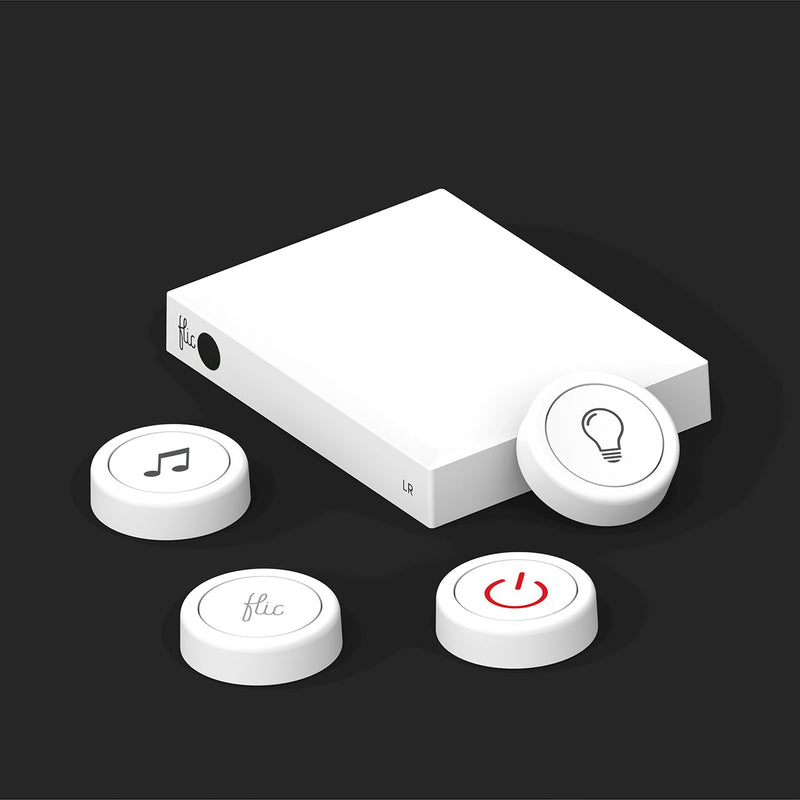
The Flic Hub LR
Flic can connect either to your phone, or the Flic Hub LR. The hub provides a stationary, always on, setup that does not rely on your phone to carry out its commands. This, with improved response times, makes the Flic Hub LR the perfect companion for smart home solutions.
Compatible Products
Works with these Nanoleaf products
 Épuisé
Miroir d'écran Nanoleaf 4D
540
$0.00
ÉpuiséBlocs Nanoleaf
179
$0.00
ÉpuiséNanoleaf Ceiling Light
$0.00
ÉpuiséNanoleaf Elements
4617
$0.00
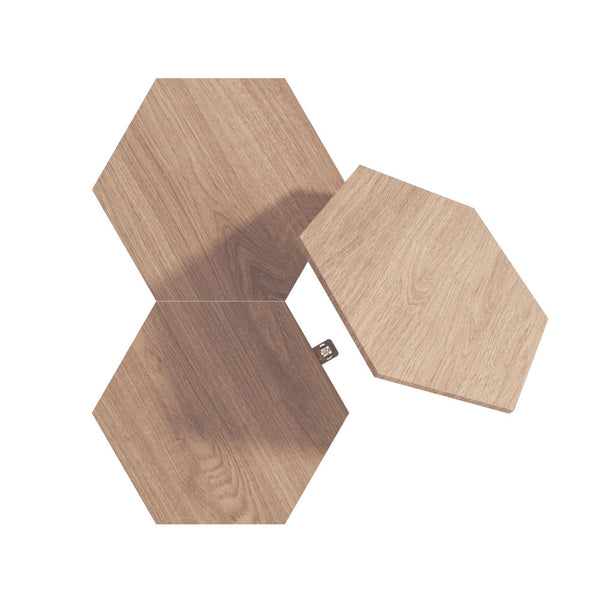 Épuisé
Nanoleaf Elements Expansion Packs
$0.00
ÉpuiséNanoleaf Elements Starter Kits
$0.00
 Épuisé
Guirlande Lumineuse de Fêtes Nanoleaf
308
$0.00
ÉpuiséVitrine d'exposition à LED Nanoleaf
32
$0.00
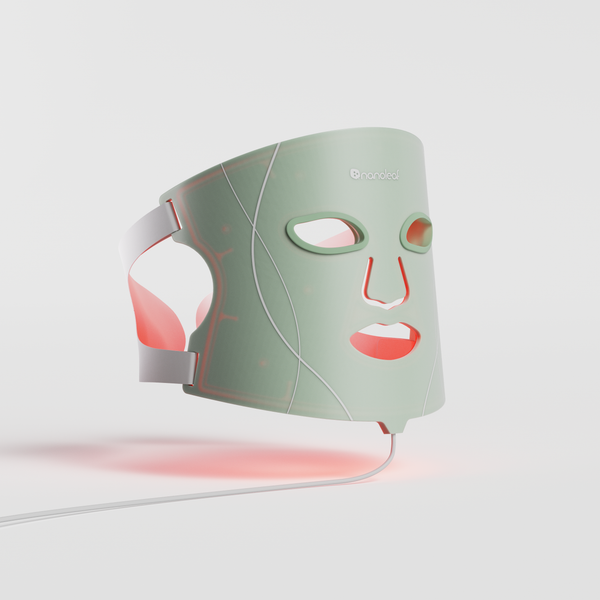 Épuisé
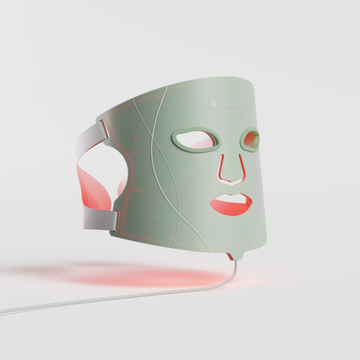
Masque de luminothérapie Nanoleaf
353
$0.00
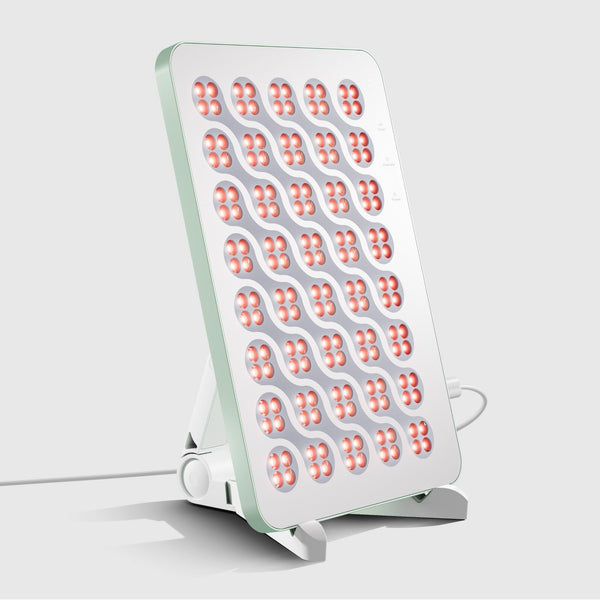 Épuisé
Panneau Nanoleaf de luminothérapie
353
$0.00
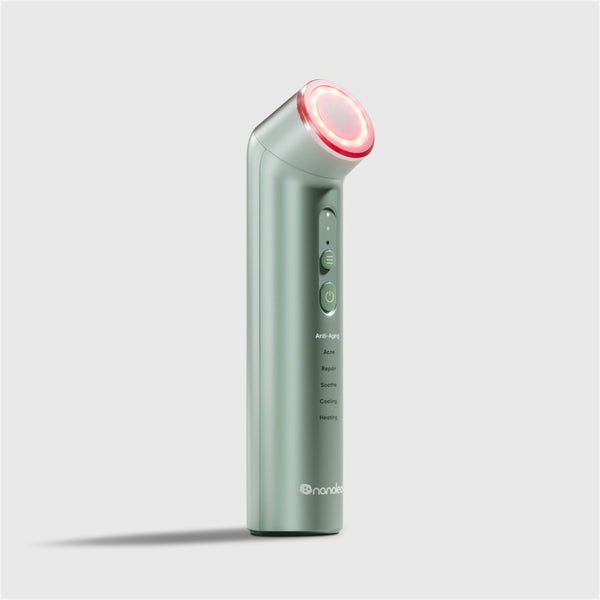 Épuisé
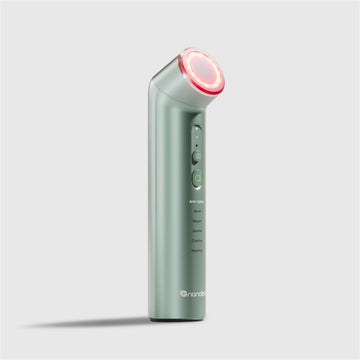
Baguette de luminothérapie Nanoleaf
353
$0.00
ÉpuiséNanoleaf Lines
884
$0.00
Frequently Asked Questions
What is the Flic Smart Button?
The Flic Smart Button is a customizable wireless smart button that lets you control compatible Nanoleaf products and other connected smart home devices using a single press, double press, or press and hold.
Do Nanoleaf lights work with Flic?
Yes. Compatible Nanoleaf products can be controlled using the Flic Smart Button through the Flic ecosystem.
What actions can I assign to the Flic Smart Button?
Each Flic Smart Button supports three programmable actions: single press, double press, and press and hold. Assign compatible Nanoleaf Scenes, lighting controls, automations, or other supported smart home actions.
Do I need the Flic Hub LR?
The Flic Smart Button can connect directly to your phone, while the Flic Hub LR enables standalone operation, faster response times, greater range, and advanced automations.
Should I pair my Nanoleaf product with the Nanoleaf App first?
Yes. We recommend setting up your compatible Nanoleaf product in the Nanoleaf App first to install the latest firmware before connecting it to the Flic ecosystem.
Can I control more than Nanoleaf lights?
Yes. Flic supports a wide range of compatible smart home devices and services, allowing one button to control multiple products and automations.
Can I mount the Flic Smart Button anywhere?
Yes. The compact wireless design makes it easy to mount the Flic Smart Button on walls, desks, bedside tables, or other convenient locations.
Do I still need the Nanoleaf App?
Yes. The Nanoleaf App provides firmware updates, advanced customization, product-specific settings, and Nanoleaf-exclusive features for compatible products.
Still have questions? Get in touch with our team