


Corsair iCUE
CORSAIR and iCUE are trademarks or registered trademarks of Corsair Memory, Inc. Compatibility and available features may vary by Nanoleaf product, CORSAIR hardware, and software version.

One RGB Ecosystem
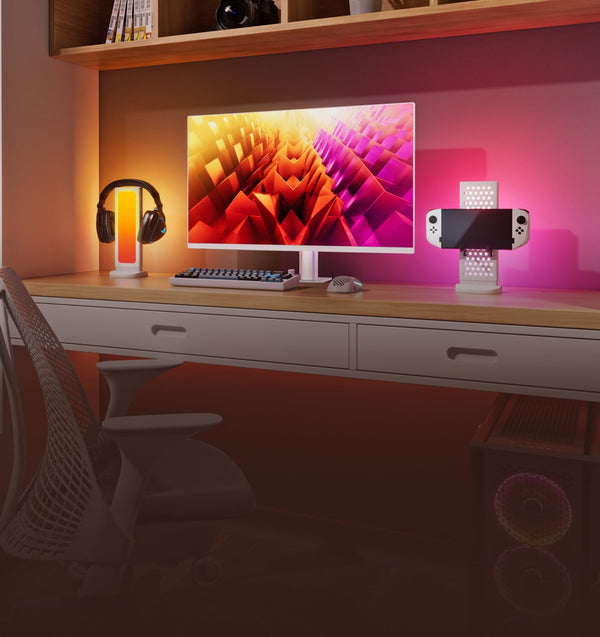
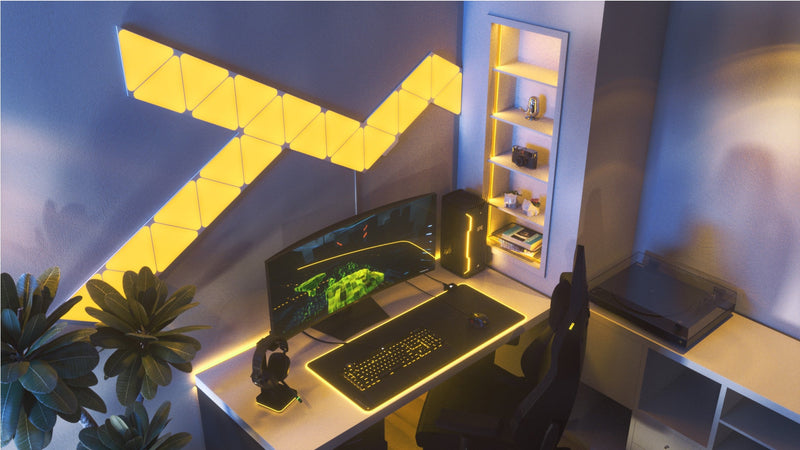
Bring your compatible Nanoleaf lights together with CORSAIR keyboards, mice, headsets, memory, cooling, and other supported RGB devices. Create synchronized lighting effects that extend across your entire gaming setup including games, applications, and desktop profiles. Use iCUE Scenes to create immersive RGB environments that respond to your gameplay and favorite activities.
Performance at a Glance
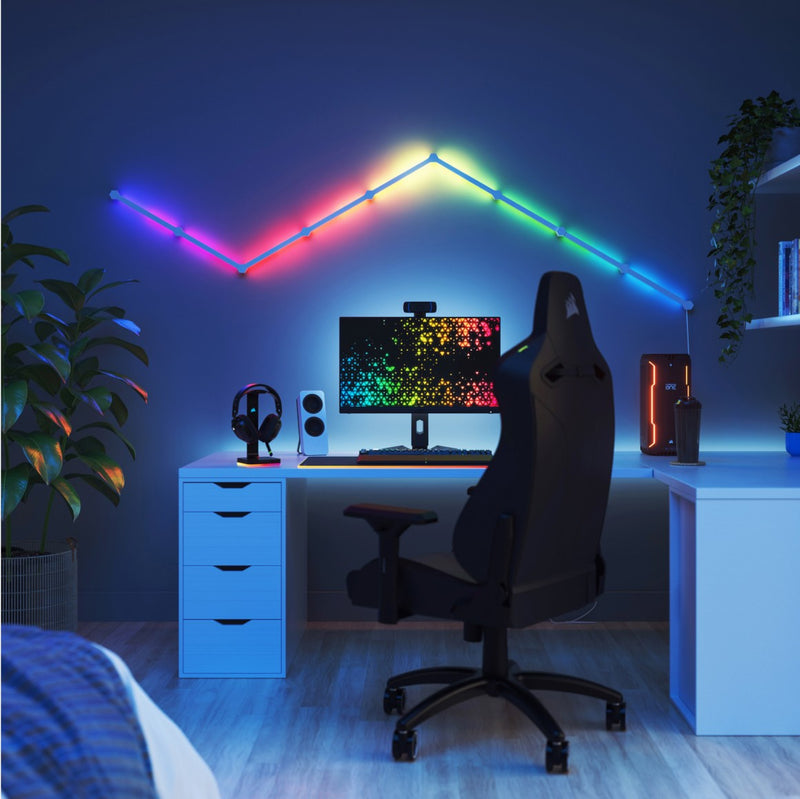
Monitor your PC with lighting alerts that respond to CPU and GPU temperatures, fan speeds, or other supported system metrics. Let your compatible Nanoleaf lights become part of your desktop monitoring experience.
Simple Control
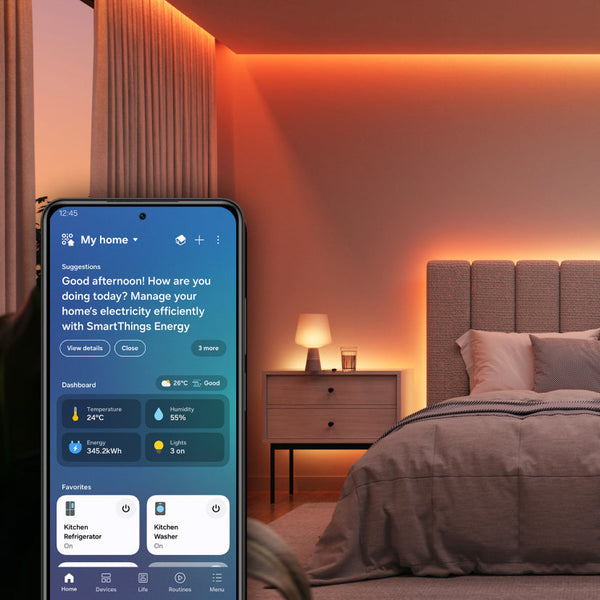
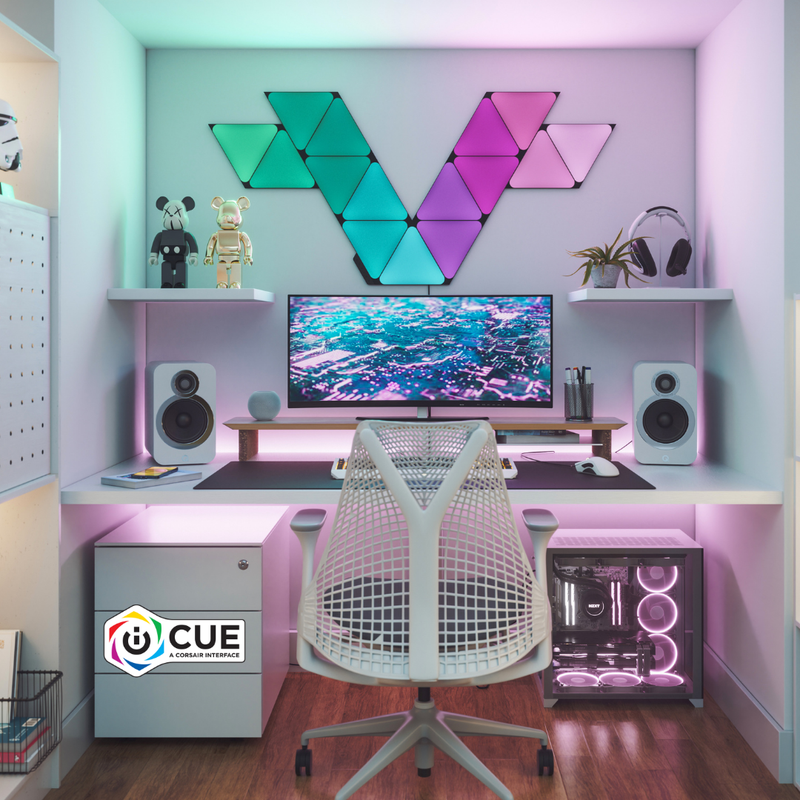
Quickly switch between lighting profiles or continue using the Nanoleaf App whenever you want access to Nanoleaf-exclusive features, firmware updates, and advanced customization.
Compatible Products
Works with these Nanoleaf products
 Épuisé
Miroir d'écran Nanoleaf 4D
540
$0.00
ÉpuiséBlocs Nanoleaf
179
$0.00
ÉpuiséNanoleaf Ceiling Light
$0.00
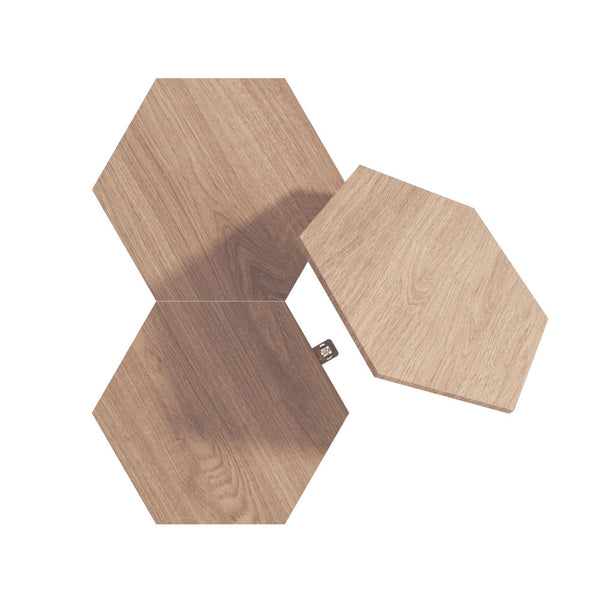
ÉpuiséNanoleaf Elements
4617
$0.00
 Épuisé
Nanoleaf Elements Expansion Packs
$0.00
ÉpuiséNanoleaf Elements Starter Kits
$0.00
 Épuisé
Guirlande Lumineuse de Fêtes Nanoleaf
308
$0.00
ÉpuiséVitrine d'exposition à LED Nanoleaf
32
$0.00
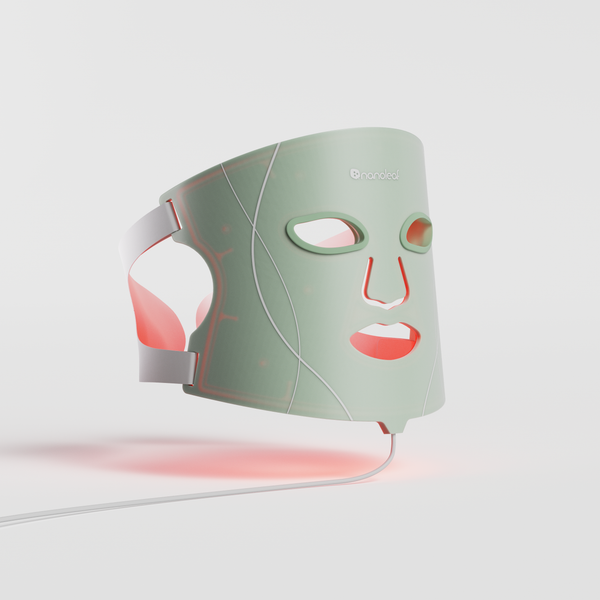 Épuisé
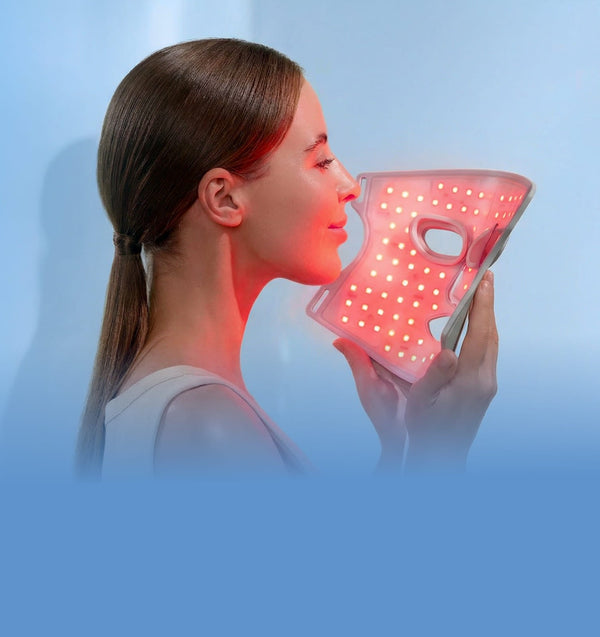
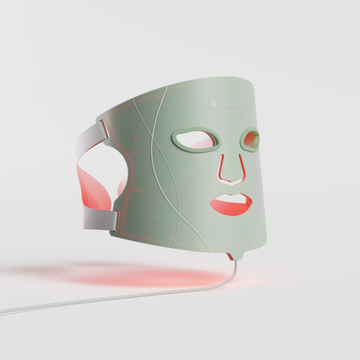
Masque de luminothérapie Nanoleaf
353
$0.00
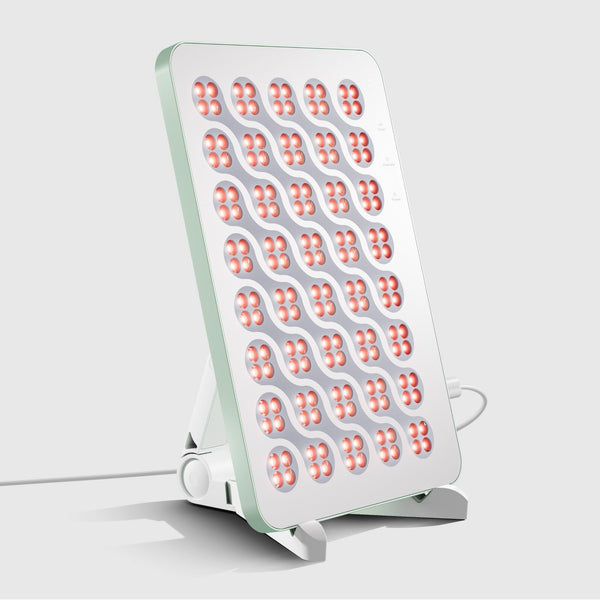 Épuisé
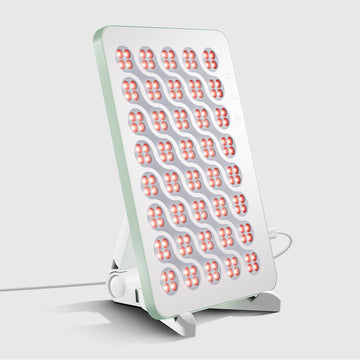
Panneau Nanoleaf de luminothérapie
353
$0.00
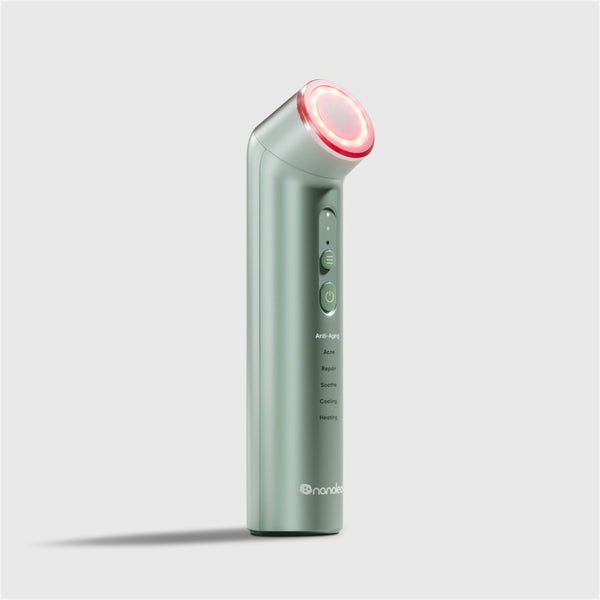 Épuisé
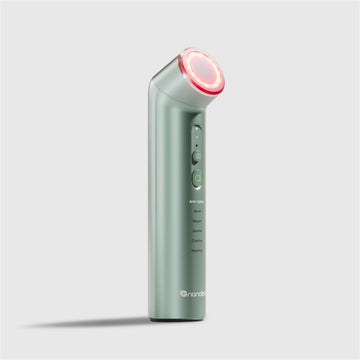
Baguette de luminothérapie Nanoleaf
353
$0.00
ÉpuiséNanoleaf Lines
884
$0.00
Frequently Asked Questions
What is CORSAIR iCUE?
CORSAIR iCUE is a desktop software platform that lets you customize RGB lighting, monitor system performance, and synchronize compatible CORSAIR devices and supported third-party products like Nanoleaf.
Do Nanoleaf lights work with CORSAIR iCUE?
Yes. Compatible Nanoleaf products, such as Lines, Shapes, Canvas, and the Original Light Panels, integrate with CORSAIR iCUE, allowing you to synchronize lighting effects with supported CORSAIR RGB devices and customize your gaming setup.
Which Nanoleaf products support CORSAIR iCUE?
Support varies by product. Refer to the compatibility information for your Nanoleaf product to see whether CORSAIR iCUE integration is available.
Should I set up my Nanoleaf product in the Nanoleaf App first?
Yes. We recommend pairing your Nanoleaf product with the Nanoleaf App first to install the latest firmware and configure product-specific settings before connecting to CORSAIR iCUE.
Can iCUE synchronize my Nanoleaf lights with other CORSAIR RGB devices?
Yes. Compatible Nanoleaf lights can synchronize with supported CORSAIR RGB peripherals and components to create a unified lighting experience across your setup.
Can Nanoleaf lights react to PC performance?
Yes. CORSAIR iCUE supports lighting alerts based on compatible system information such as temperatures and other supported performance metrics.
Do I still need the Nanoleaf App after connecting to CORSAIR iCUE?
Yes. The Nanoleaf App remains the best place for firmware updates, advanced customization, product-specific settings, and Nanoleaf-exclusive features.
Still have questions? Get in touch with our team